

A primer on HDMI versions and cables
In April of this year, the HDMI Forum – that is, the not-for-profit body responsible for creating and maintaining the HDMI specification – announced its latest update to the now ubiquitous spec: HDMI v2.0a.
The update brings only a minor – if important – change: support for HDR video (see my AV Masterclass: The state of 4K from TechLife #38, June 2015). Despite this only being a small change (thus the ‘a’ suffix, rather than even a minor version bump), it also appears to have brought with it a host of consumer confusion: should a would-be TV or video source purchaser be demanding v2.0a compliance in their prospective product? Do you now need to upgrade your cables? How does it differ from HDMI v2.0? v1.4? Are my 1.4x devices now thoroughly outdated?
Given the confusion, I thought it pertinent to visit just what the different versions of the HDMI specification mean, and how they relate to devices and cables.
HDMI 2.0a vs. 2.0 #
So, the first thing to cover is how HDMI v2.0a compares to v2.0. As mentioned earlier, HDMI v2.0a adds support for HDR video. HDR video, as I have previously discussed, is a method to enhance the brightest and darkest parts of a video image. Previously, it’s been very difficult to simultaneously display very bright and very dark shades on-screen – such as car headlights in a night shot. The extended attributes of HDR video contain extra information that an HDR-compatible TV (such as high-end models from Samsung, LG, Panasonic, Sony et al.) can understand and display – bringing incredible clarity and depth to images that previously ended up looking a little washed out. Even in scenes where the contrast isn’t as pronounced, HDR video will bring deeper colours, producing better image quality across the board. The new HDMI spec isn’t the only part in this process, however – new Blu-Ray discs, codecs, and display panel technologies are all required for this to work.
Now, while I always like to future-proof my purchases, given that the only benefit to HDMI v2.0a over HDMI v2.0 is the addition of HDR, and that you need both a compatible TV and Blu-Ray player or other video source, then it’s not really something that you need to worry about right now. In other words, if you’re looking to buy a Blu-Ray player now, it’s not worth paying extra for or holding off on, as you’ll need a new TV and new copies of your favourite movies for it to make any difference. The golden rule when buying devices is to look at the features that interest you (such as 4K, 3D etc.), not the HDMI spec version behind them.
… vs. 1.4 #
As is expected in the version numbering, the upgrade from HDMI v1.4 to v2.0 brought with it some much more significant changes – but not so significant that you should be tempted to upgrade your video sources, or even your TV.
The biggest change from v1.4x (encompassing 1.4, 1.4a, and 1.4b) to v2.0 was an increase in available bandwidth between HDMI devices (up from 10 gigabits per second to 18), which means that 4K content can now stream at 60 frames per second (fps), and HDMI can carry up to 32 audio channels. Now, it’s worth pointing out here that v1.4 already supported 4K, but ‘only’ at 24 fps.
Why the scare quotes around ‘only’? Because most 4K content will remain at 24fps, anyway, as gaming – the biggest driver for high fps content – won’t hit 4K for many years, and – with the exception of perhaps some concert videos and reality TV shows – pretty much all video content is, and will remain, shot at 24fps anyway, as that’s what people like to see.
The extra bandwidth of HDMI 2.0 also allows 4K 3D content – which may appeal to those die-hard Avatar fans, but otherwise holds rather niche appeal – as well as high framerates (60+) for lower resolutions, including 1080p, which is great for PC-based applications, including home videos and gaming (not consoles just yet: they are only v1.4a – although HDMI v2.0a versions are impending). Also of note is the addition of support for a 21:9 aspect ratio, which is closer to the true cinema aspect ratio, but of no real practical benefit outside of native 21:9 projectors or TVs.
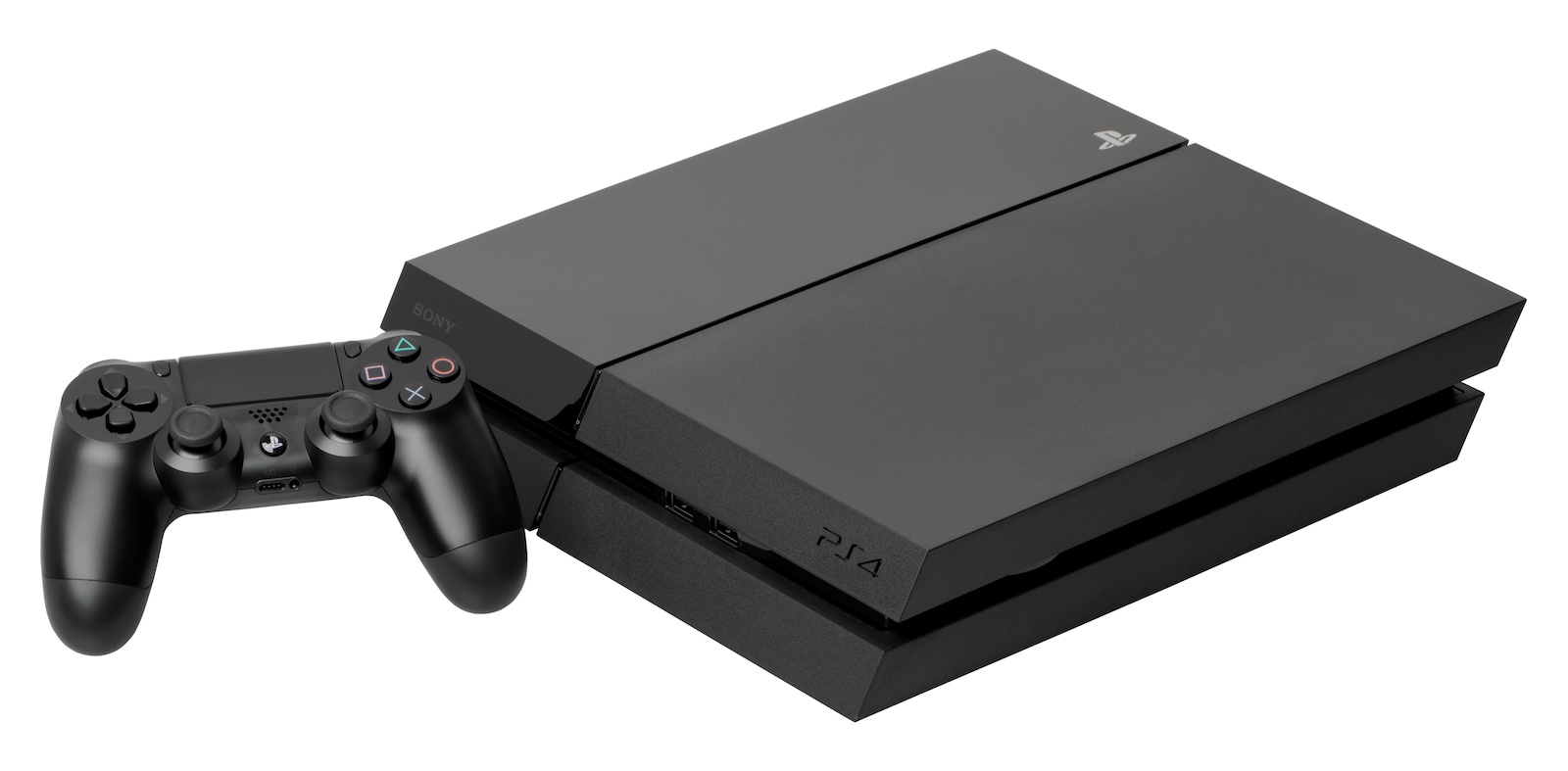
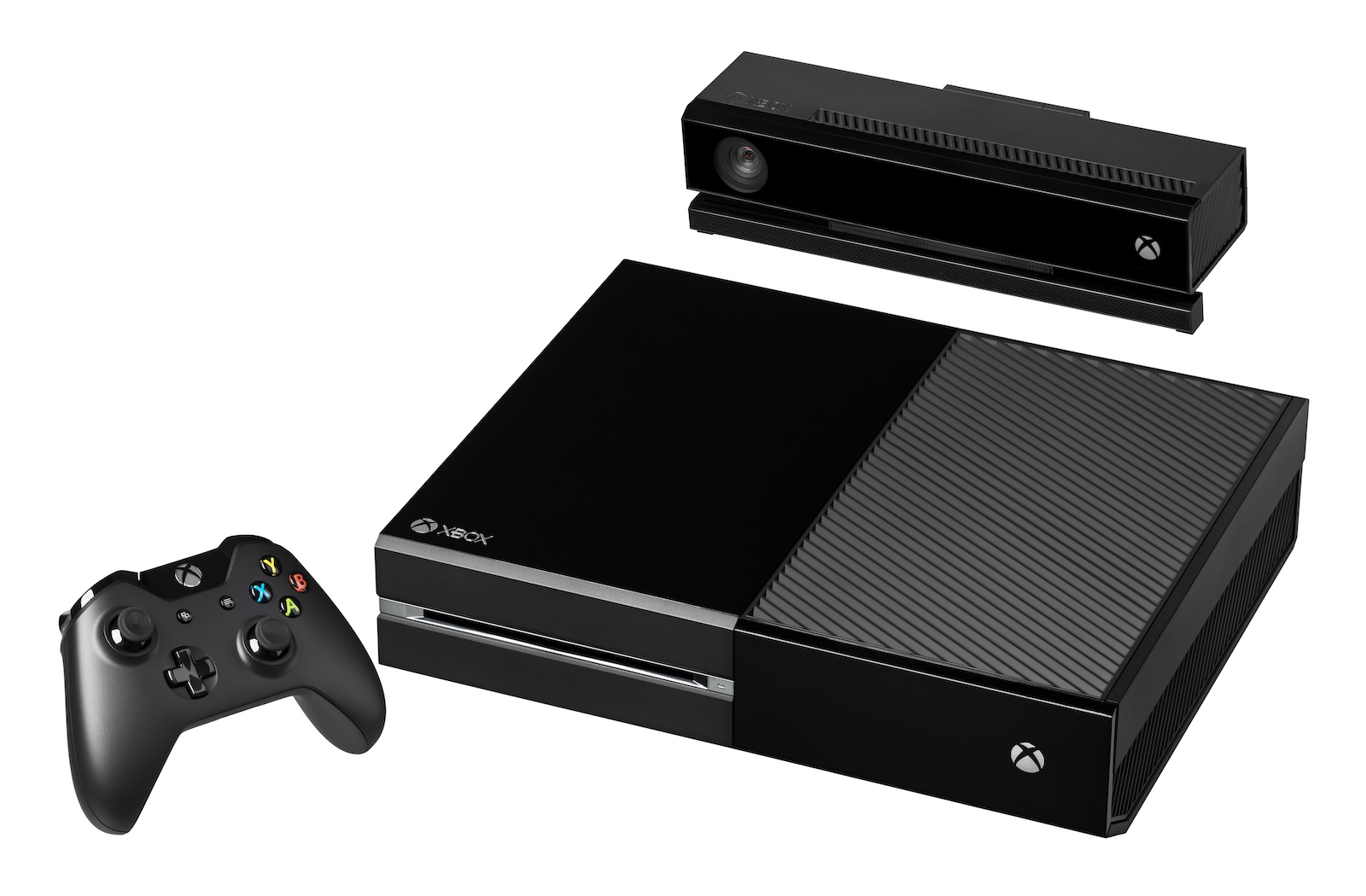
Both the PS4 and the Xbox One are ‘only’ HDMI v1.4, but there are rumours of v2.0a models coming soon.
Perhaps more interestingly, HDMI v2.0 also allows the streaming of two HD streams simultaneously, which, with some in-TV voodoo (and the use of 3D glasses), can allow two people to watch two different sources on the same screen.
What does it all mean? #
So, what does all this mean for consumers? Not much, actually, it’s all rather behind-the-scenes, and implemented early so as to cause minimal problems – HDMI 2.0 was introduced about two years ago, and is backwards compatible with older v1.4 equipment anyway (that is, any HDMI v2.0 equipment you own will have no trouble working with older v1.4 equipment).
Which brings me to the second half of this article: HDMI cables, and the suspicious claims made by manufacturers.
Cables – still the same #
What I really need to drive home with all these new specs is that none of them affect the cables joining the devices. The HDMI ‘high speed’ cable spec is still above the bandwidth requirements of HDMI v2.0a, and each new addition to the spec has been designed to work with existing cables.
In fact, even among all these spec changes, there are still only 5 types of HDMI cables available on the market: 1 for automotive applications, and 4 for home use. The ones for home use can be broken down as such: standard speed without Ethernet, standard speed with Ethernet, high speed without Ethernet, and high speed with Ethernet.
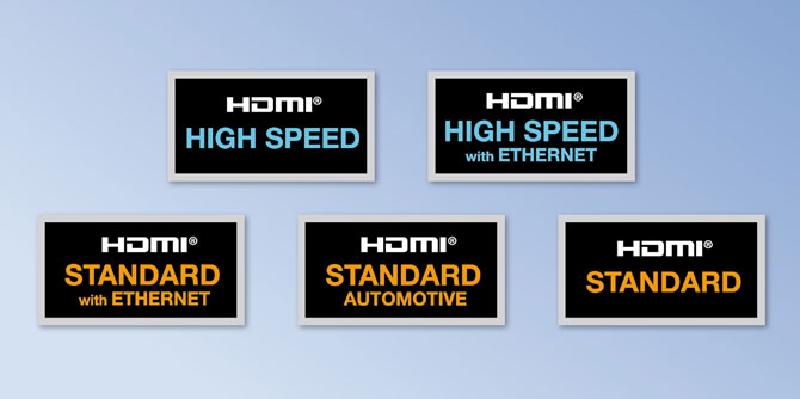
Standard speed cables are hard to come by these days, as they were the first version of HDMI, and only had enough bandwidth to support 720p or 1080i video. The price difference between a ‘standard’ speed and a ‘high’ speed is now so negligible that they have all but faded from the market.
The ‘high’ speed cables are tested to perform well above current HDMI specs, and thus support 1080p, 4K, 3D, high framerate, deep colour, HDR and every other part of the HDMI spec to date.
The other differentiator of the cables – Ethernet – defines if you want the cable to be able to carry a networking (likely internet) signal, which, with compatible equipment, allows you to share a single Ethernet/internet connection between devices. Practically, this means that you can connect your TV to your home network, and every Ethernet compatible device connected to the TV will then be able to access the internet, without taking up an Ethernet port of its own.
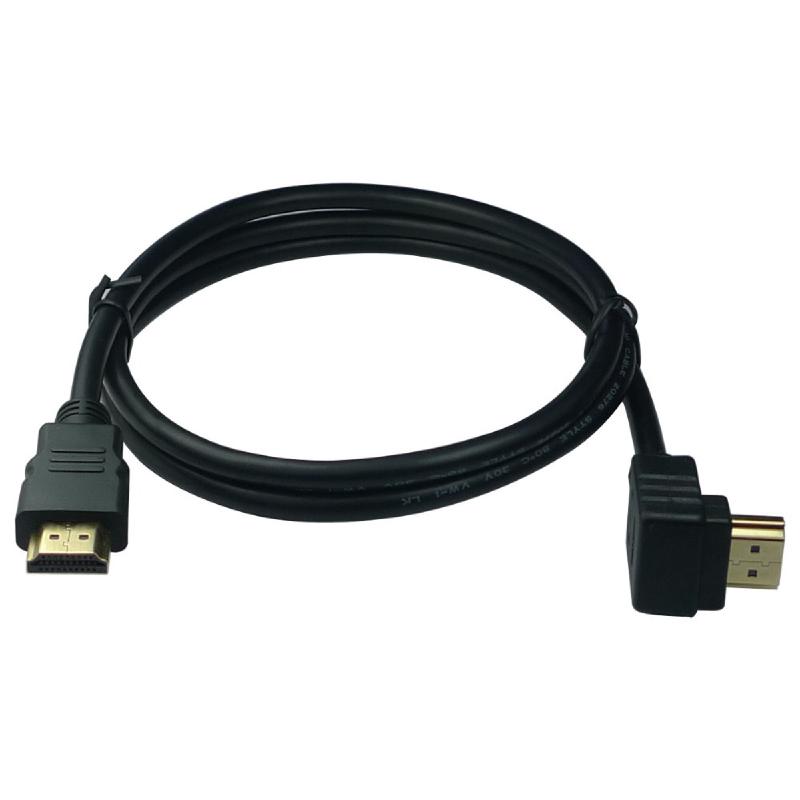
What this means is that, if you purchase a $3 ‘high’ speed ‘HDMI v1.4’ cable, it will work exactly the same as a $100 ‘high’ speed ‘HDMI v2.0’ cable. If it’s designated ‘high’ speed, then it’s effectively the same no matter what material it’s made from, what thickness the wires are (with one exception: see the boxout at the end of this article), what jacket it’s wearing, or – critically – what version of HDMI the packet says it’s designed for. Indeed, it’s these superficial differences that you’re paying for: not actually a cable that will deliver a better signal, just a cable that’s built differently (just as with audio cables, see TechLife #21, February 2014).
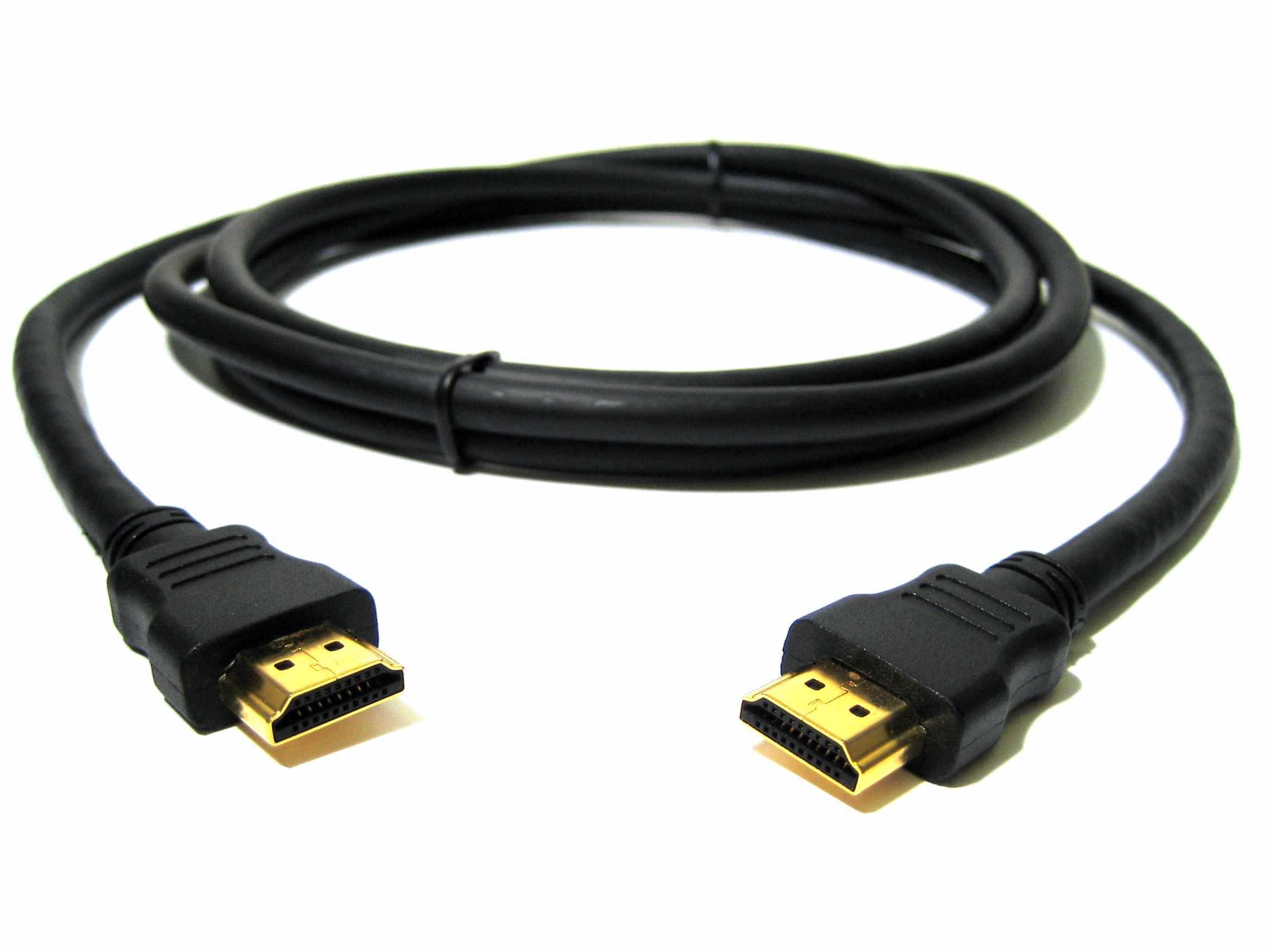
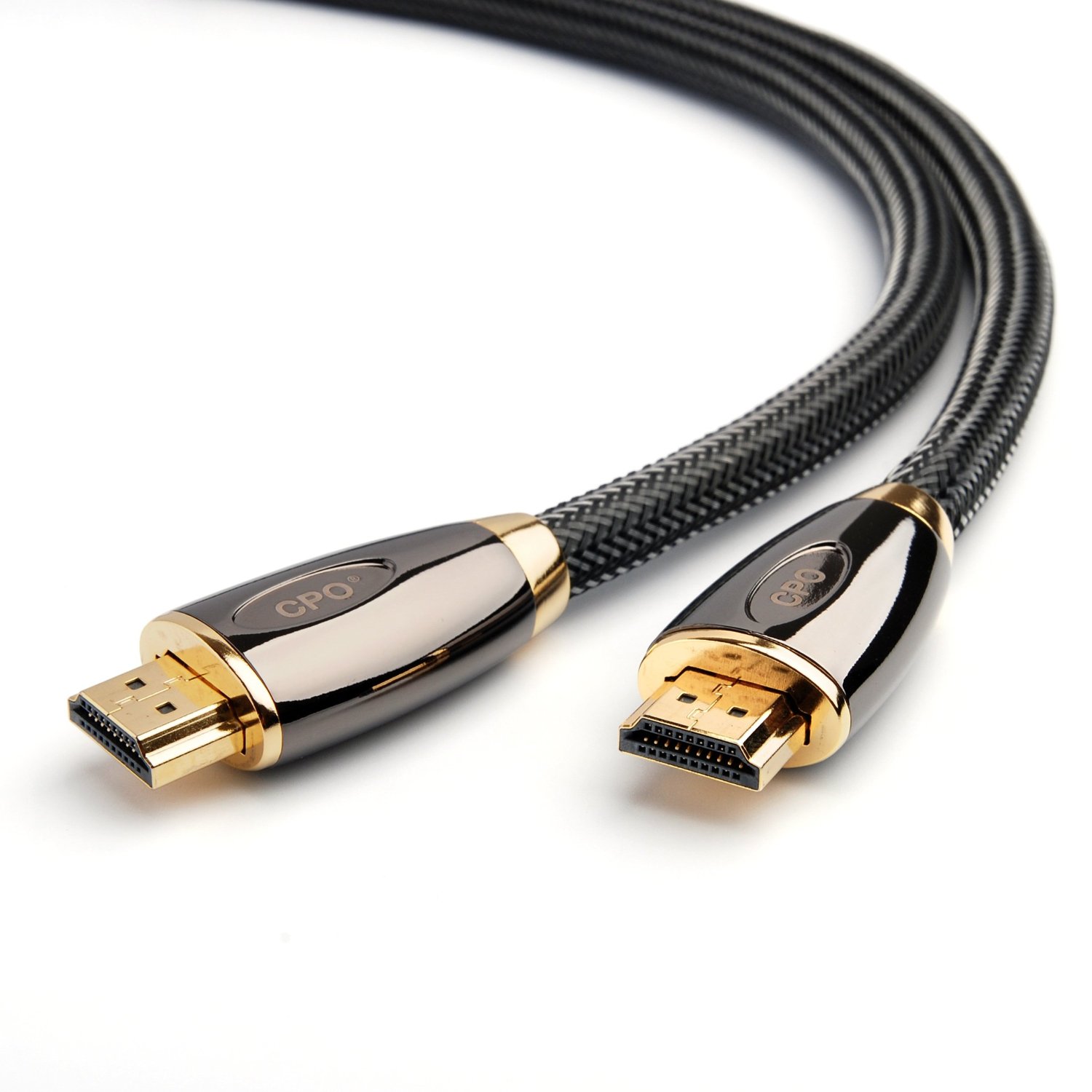
Left: While it may not look like much, it’s as effective as its expensive brethren. Right: When you purchase a premium HDMI cable, all you’re paying for is aesthetics – the image and sound quality are identical.
Working is working – no need for expensive cables #
Now, what’s interesting about HDMI cables – and counter-intuitive when compared to older analogue cables – is that picture quality doesn’t actually deteriorate with signal quality. That is, if you have a poor signal, the image will work despite it, or it will just drop out completely. If you have a picture coming through on your TV, it is a 100% accurate representation of the video signal sent to it – the cable can’t introduce fuzziness, poor colour, or any of the image problems that some expensive cable manufacturers claim to fix. To put it simply: if you’re getting an image on your screen with your $3 cable, then it is exactly the same image that you would get had you bought a $150 cable. Exactly. The. Same. And that goes for audio over HDMI, too.
This is because the HDMI spec contains error correction that leaves no room for approximation – either the correct data comes through, or it is dropped completely. If it’s dropped completely, you’ll see it, either manifesting as missing pixels on-screen that look like snow (a rare occurrence), or in a ’no signal’ error or blank screen (much more likely). Likewise, with audio: you won’t get less fidelity if the cable isn’t working correctly, you’ll get silence.
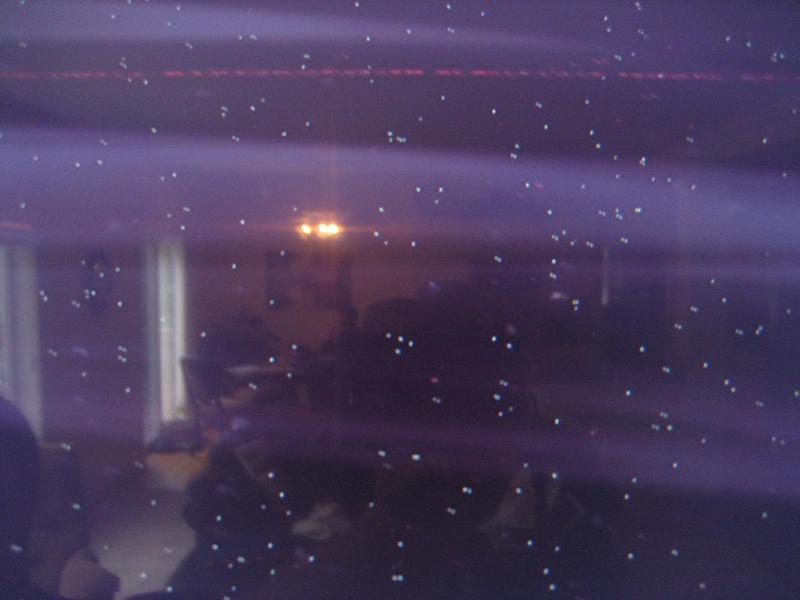
Thus, you never have to worry if the image that you have on-screen could be improved by a cable upgrade – if it works, it’s the best it’ll ever be. If you’re unhappy with the picture quality, try calibrating your TV or fiddling with the settings (see my AV Masterclass: Calibrating your TV column from TechLife #29, October 2014 for tips on that front).
I’ll say it one more time to be sure: the upshot of all of this is, when buying HDMI cables, buy the cheapest version of the right length that you need. There is no practical difference between a $3 high-speed cable purchased from eBay and a $150 premium high-speed cable purchased from a retailer. Even if your el-cheapo cable fails or doesn’t work out of the box, it’s still going to be cheaper to buy a replacement cheap one from a different seller than it is to buy a premium one the first time.
An exception to the rule… long cable runs
Now, there is one exception to this ‘cheapest you can find’ rule, namely: long (greater than 10 metre) cable runs. With runs this long, it’s more difficult to send a signal, so any faults or bad designs in the cheaper cables that didn’t cause any problems on the shorter runs may come to the fore. Just like with speaker cable, long runs require thicker wires within the cables, and they end up charging accordingly. Still, you can get away with paying around $50-$60 for a 20m cable.
Sadly for the frugal, tests have shown that cheaper cables are more likely to fail on these longer runs than expensive ones. However, this isn’t an argument to buy more expensive cables every time, or even for longer runs: many cheap cables still work fine for longer runs, and as you could buy a handful of cheap cables for the price of a single long premium one, you’re still better off gambling with a few cheap cables, anyway.
If you’re looking to go for a very long run, 30 metres or more, the HDMI spec says that you really need to buy an HDMI signal booster. However, there are now cables on the market that contain little passively powered chips (such as the chips made by RedMere) in them that can help you reach longer distances than otherwise possible, or – on the flipside – reduce the required thickness of a cable for a given length, which can be a blessing when you’re having to route a long cable through a wall or around door jambs and skirting boards. However, buying any of these cables from a retail outlet in Australia will sting you in the hundreds of dollars, but I did find one 30m RedMere cable on eBay for just over $100 including shipping. If only Monoprice delivered to Australia.
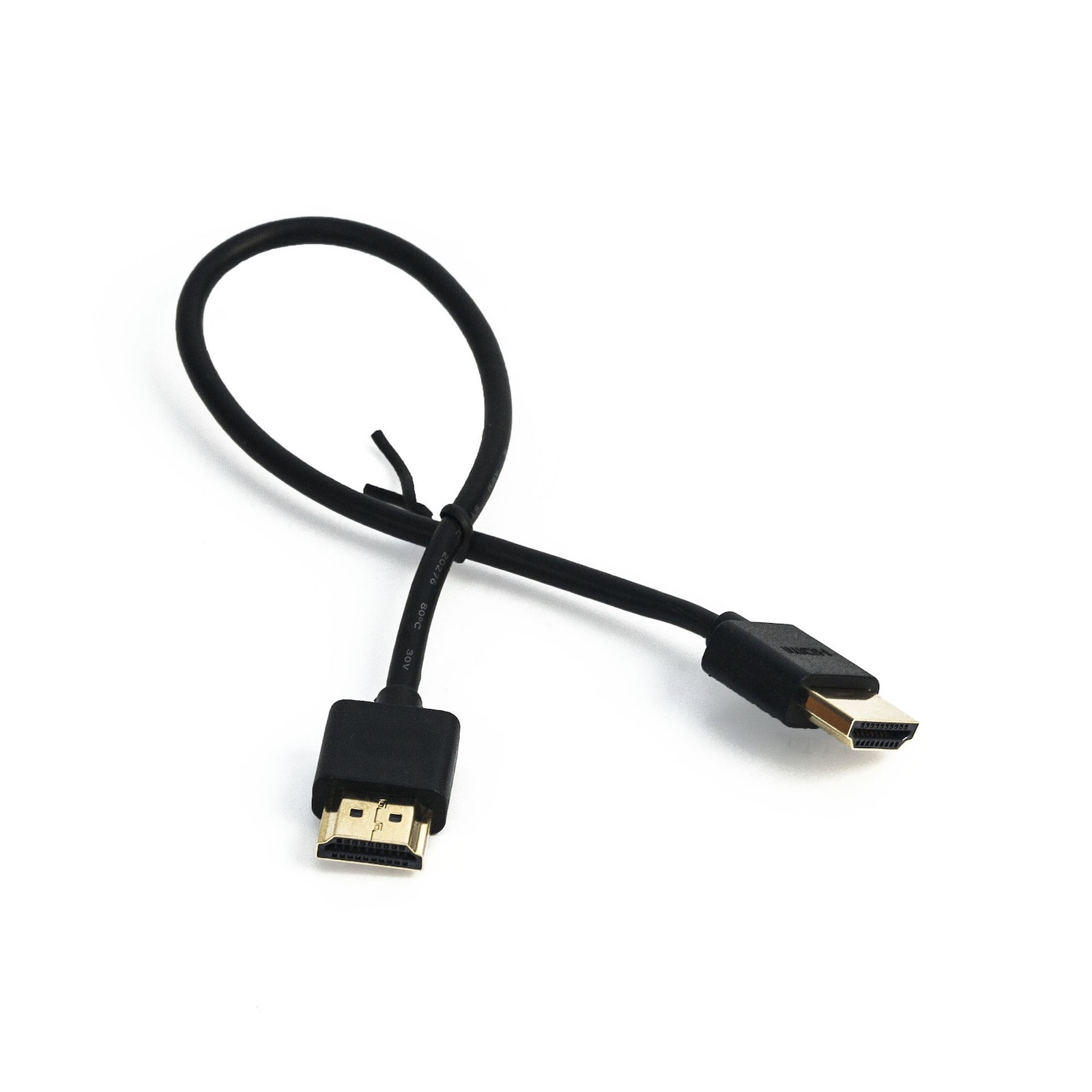
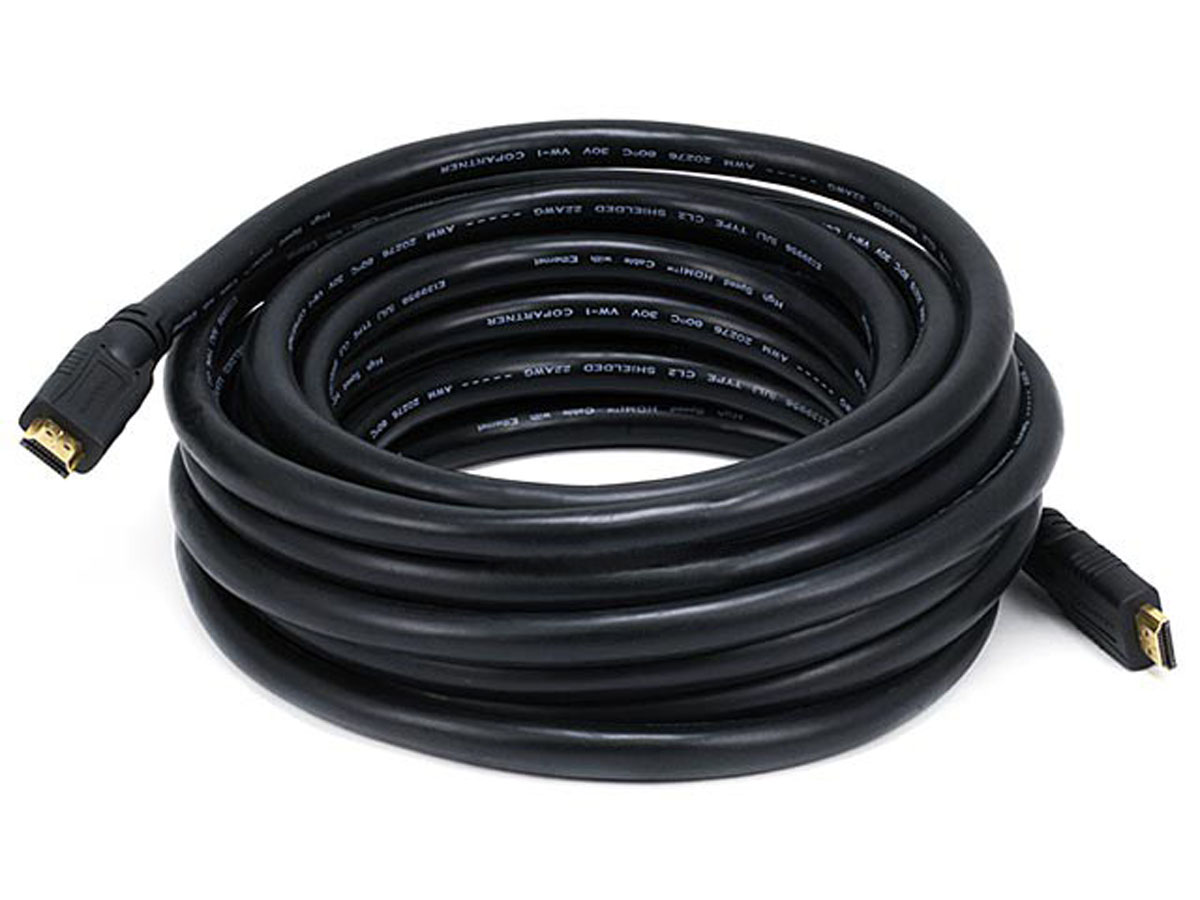
Left: You can get away with using thin or low-quality cables over short distances. Right: But, for longer runs of 10m or more, you’re best off with thicker cables.
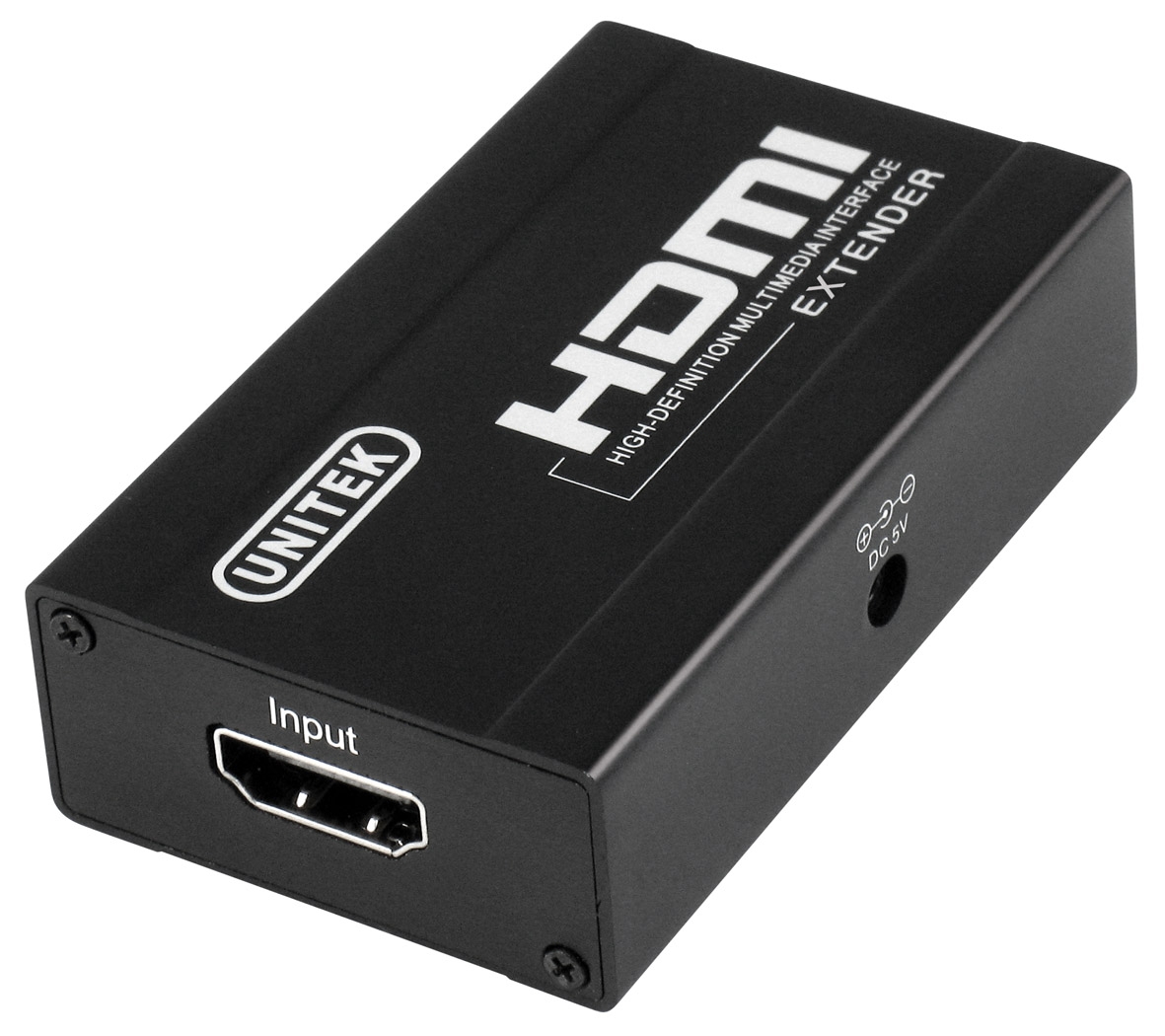
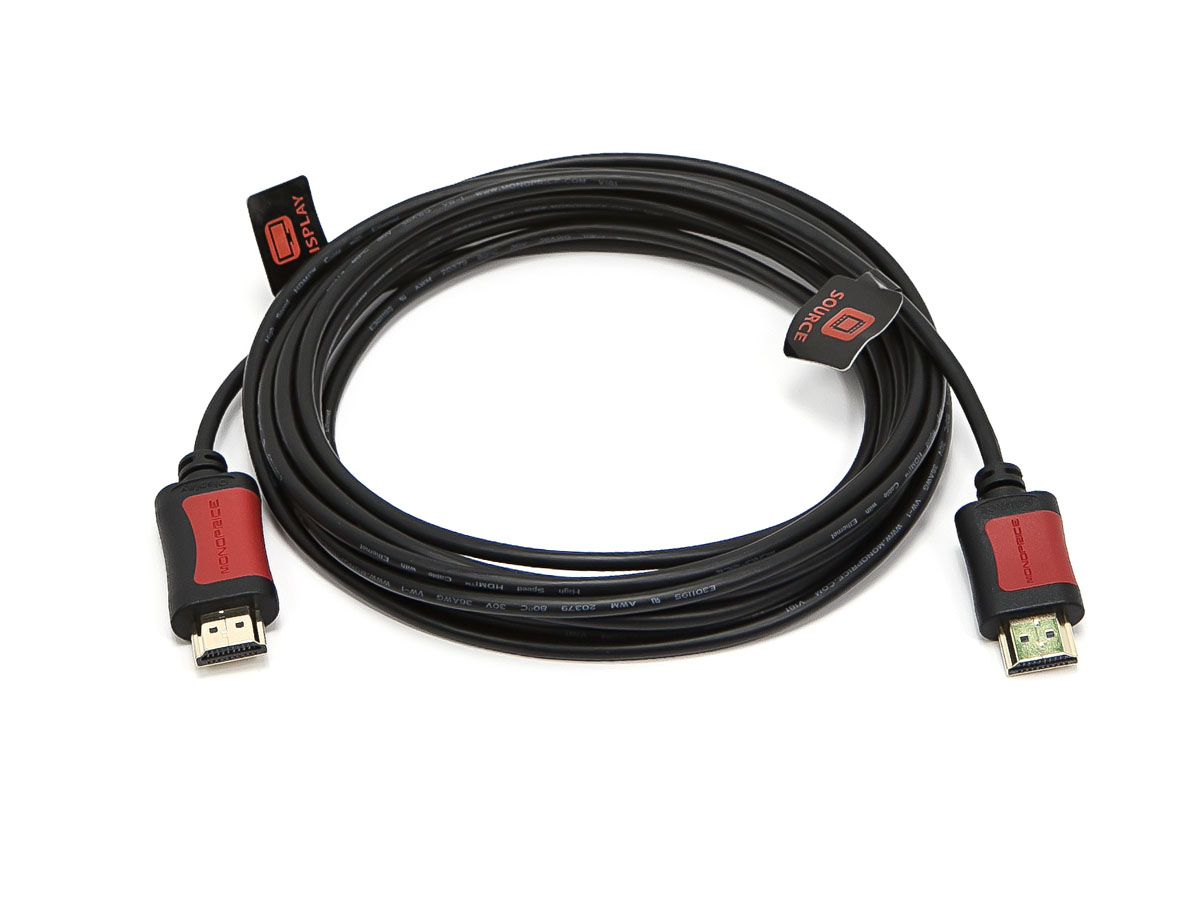
Left: For runs longer than 30m, you’ll need an HDMI extender, as well as thicker cables. Right: Alternatively, there are ‘active’ cables using RedMere chips that allow long runs over thinner cables.