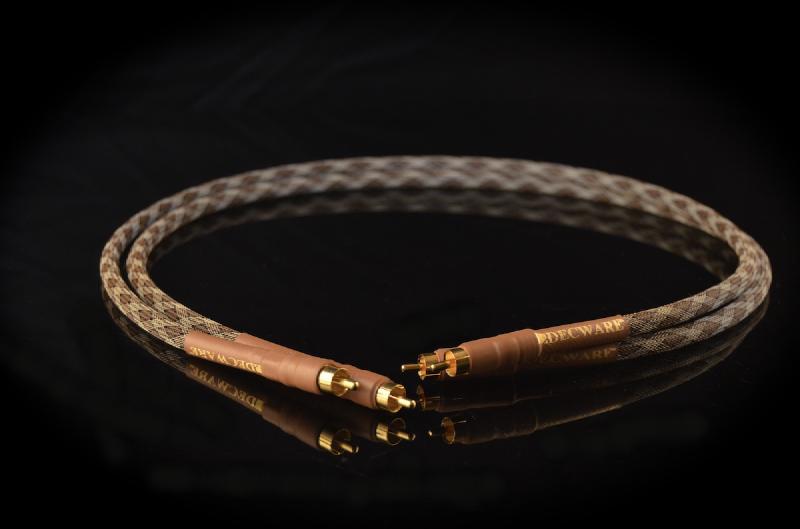

Despite claims, there is little voodoo involved in transporting signals
Despite the proliferation of wireless tech over the last decade or so, almost all audio/visual setups still require cables to send signals between devices. Many retailers and manufacturers bank on this fact by relying on the sale of high-margin cables to make selling low-margin TVs and other equipment more enticing. Unfortunately, this is a recipe for a thorough shafting.
The usual line given by that sweetly smiling salesman is “if you’re spending thousands on a premium-quality TV, you should really make the most of it by spending a little extra on the premium-quality cables.”
This is, to put it mildly, utter bollocks.
What should I buy, then? #
Because of cables’ ubiquity, there are countless different brands at countless different price points – from the generic $2 jobs, up to the ‘audiophile-grade’, more-money-than-sense realm of $10,000 and beyond. Thankfully, all but the very, very cheapest (and sometimes, even those) cables are adequate for most applications.
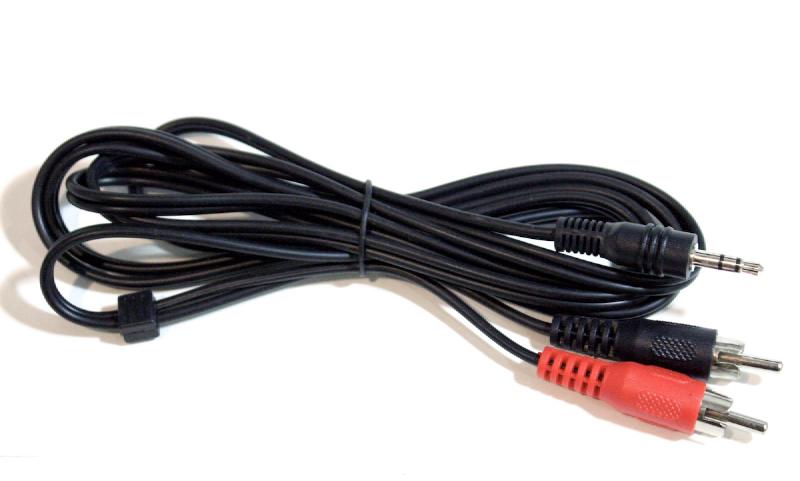
So, what should you look for in a cable? What features really matter and what is pure marketing hyperbole? And, most importantly, how much should you spend?
You’ll be relieved to hear that the answer to the last question is actually ’not much’. While not all cables are created equal, you don’t have to jump very high up in the market before cables are suitable for almost every application.
Despite what you might think, it isn’t sound or video quality that improves with price – it’s build quality. Cables are remarkably simple devices, and there is no need to over-engineer them to improve signal quality. In fact, there is documentation online of several double-blind tests that were performed where listeners couldn’t tell the difference between a high-quality cable, and a metal coat hanger.
What does change with price, however, is the cable’s durability, strength of connectors, and general ‘feel’. There is no doubt that the more expensive cables use manufacturing techniques that are costly to implement, which goes some way towards justifying their price, but it’s very doubtful that these differences in construction (such as separating the + and - leads, freezing the material at some point of construction, or using some special weave in the wire) actually results in an improvement in sound or video quality.
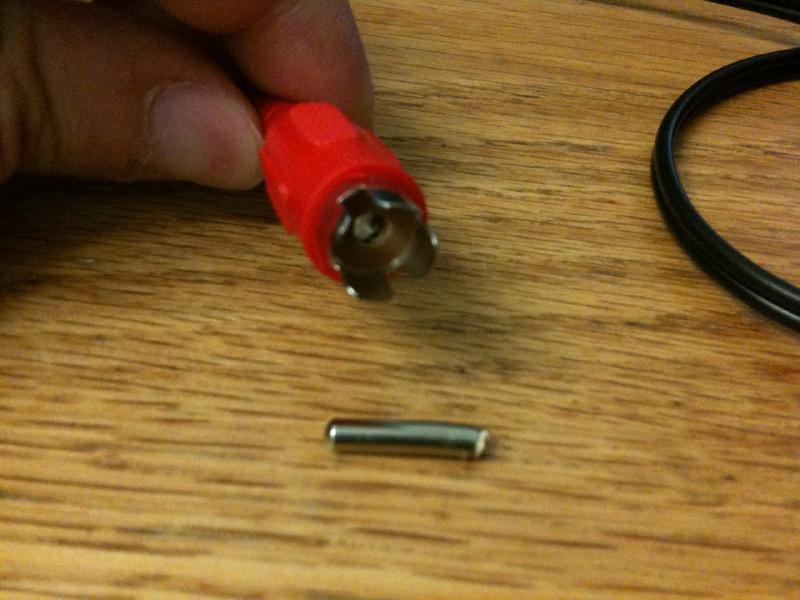
The aspects of cable design that really matter are: its thickness; its shielding; and, to some extent, the way the cable is attached to the connector. Contrary to common belief, construction material – specifically, copper vs. silver – doesn’t matter, so always opt for the cheaper copper option.
The thickness of a cable’s wires, as well its general construction quality, really only become relevant when you need to run cables over longer distances – that is, over 5 metres. For runs less than 3 metres, there is very little signal degradation possible, so even the cheapest cables from eBay will work perfectly well. Thinner cables have the benefit of being more flexible, too.
Where these super-cheap eBay cables aren’t recommended for use are: runs longer than 3m; applications involving frequent plugging and un-plugging; and areas with lots of signal noise. I’ve also had problems with really cheap USB cables from eBay not being able to handle data, too.
If, for whatever reason, you need to use a cable longer than around 3 metres, then it’s recommended to use a cable that is built to a stricter quality standard, and with thicker wires. This usually means more expensive cables (stepping up to the still very reasonable >$30 range), but price alone is not an indicator of quality, and different applications have different requirements. There is no real harm in buying thicker cable for shorter runs, however, unless the cable needs to be rather flexible (such as running it around corners while hugging the skirting boards).
A good guide for speaker cable lengths under 10m is to use 14 AWG (that stands for American Wire Gauge, and the smaller the number, the thicker the wire), as it’s still <$3 per metre from JayCar. If your runs are less than 3m, or you need it to perform tight bends, you can get away with 18 AWG for <$2 per metre. For a thorough discussion on speaker cable thickness, take a look at this Audioholics article.
HDMI hoodoo #
HDMI is a common cause of confusion, with different cables being marketed as being compatible with different spec versions, such as v1.4 or v2.0, or even refresh rates. First up, HDMI cables aren’t allowed to be marketed as being ‘Version x.x compliant,’ so any cable company saying as such is probably deceiving you in other ways, too. Most importantly, the version number of the HDMI spec is actually unrelated to cable design.
There are two main types of HDMI cables available: ‘standard’ and ‘high speed’, with just about every cable sold since 2009 being the superior ‘high speed’, so you’re probably ok. The exception to this is the HDMI cables that include an ethernet link – if you plan to use this feature, you’ll have to use an HDMI cable that explicitly supports it. This is the only change in HDMI features that has required a change to the cables. You absolutely don’t have to worry about cables being ‘120 Hz’ compatible to match your new TV – the signal sent over HDMI is unrelated to your TV’s refresh rate, and any HDMI cable is within spec to handle this.
For what it’s worth, quality HDMI cables commonly use 19x 24 AWG conductors, but some of the cheaper ones still use only 28 AWG for these conductors, which may cause problems with runs over 5m. [Ed: 4K changed this advice… if you need 4K at high refresh rates, definitely opt for those certified for 4K, which use thicker wires and more of them]
It’s down to aesthetics #
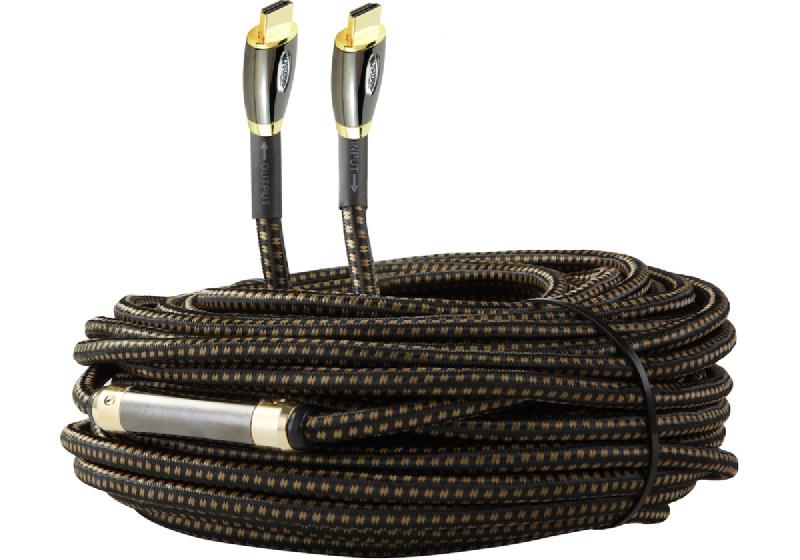
Despite all this advice, I never opt for the cheapest of cables, even for ridiculously short runs. Why? Embarrassingly, it’s mainly because of aesthetic considerations. I like my cables to feel good, and I’m prepared to pay a little more for ones that look and feel nice. When I say ‘a little more’ I really mean it – I never pay more than $30 for a cable, and my sweet-spot is usually $10-15 for one 2 metres in length.
I think the best advice I can give you for selecting a cable is to choose a price that you’re happy spending, and find the best looking one. Chances are that they’re all the same, anyway. Above all, don’t ever, ever feel pressured by a sales person or marketing material to spend more than you’re willing: unless you’re running cables in electrically noisy areas or for distances greater than 10 metres, an expensive cable will make no difference.
Signal degradation is markedly different for digital compared to analogue signals, as are the requirements for digital and analogue cables. Check out this great discussion on the differences by one of my preferred no-nonsense high-quality cable sellers, Blue Jeans Cable.