


Science is a broad and wonderful field. Get the most out of it with these apps.
The Elements #
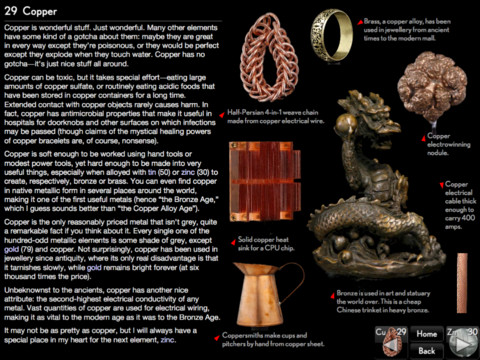
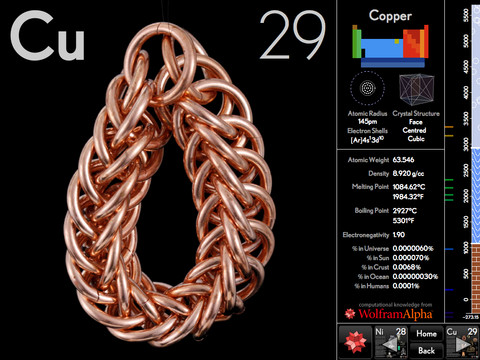
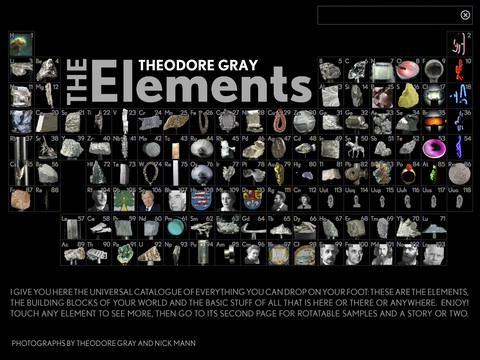
Available in separate versions for iPad and iPhone (and for US/UK English), The Elements offers the most visually interesting periodic table seen outside of chemistry classrooms the world over.
Each element comes with high-resolution images and 360º animations, and — if you’re peachy keen — even supports 3D glasses.
More than just pretty pictures, however, the app is based on the best-selling book The Elements by Theodore Gray, Popular Science Magazine’s Gray Matter columnist, so the info is both informative and well-written.
The app pulls info from Wolfram Alpha, but, I must confess, the app is more meant as an introduction to the elements, rather than a serious reference for chemists.
For: iOS · Price: $7.49
Molecules #

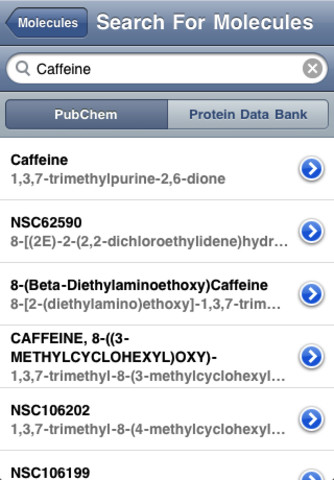
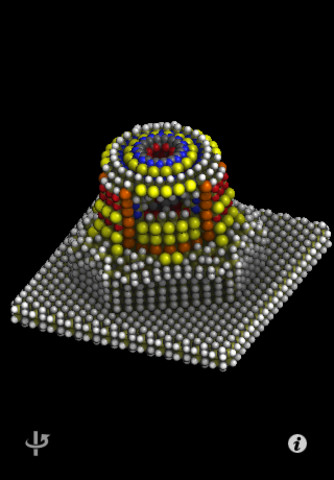
Molecules is an open source, interactive, 3D molecule viewer for iOS. Zoom, rotate and pan across your favourite molecules, whether they be C₈H₁₀N₄O₂ or C₂₀H₂₅N₃O.
The app supports viewing in either ball-and-stick or space-filling modes, so, no matter what your preferred quantum representation, you’re covered.
Molecules can be downloaded from the RCSB Protein Data Bank, an international repository of biological molecules and their 3-D structures, or NCBI’s PubChem, a public database of compounds, and can be loaded on to your device either via special URLs or iTunes.
For: iOS · Price: Free
Quick Graph #
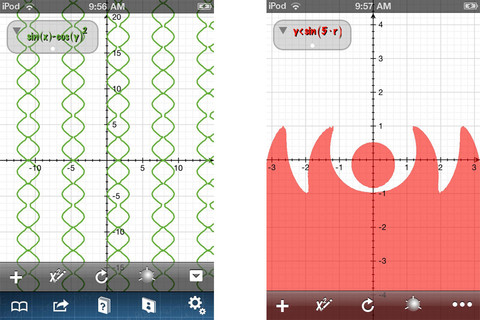
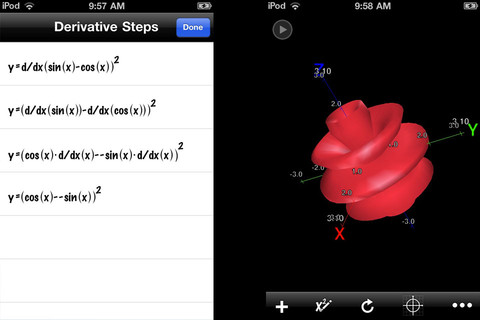
Quick Graph is a powerful, 2D/3D graphic calculator for iOS. The interface is logical, and easily allows you to enter, edit or visualise equations in mathematical notation.
The app can display both explicit and implicit (opt) equations, as well as inequalities (opt) in both 2D and 3D, in cartesian, polar, spherical or cylindrical coordinate systems — the results of which can be copied, emailed or saved to the photo library.
For a $1.99 in-app purchase, the advanced feature set gives you access to — unsurprisingly — advanced features, including implicit graphs and tracing, as well as removing the six-equation limit on simultaneous visualisations.
For: iOS · Price: Free/$1.99
Papers #
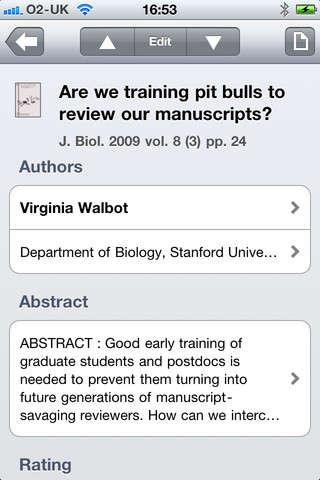
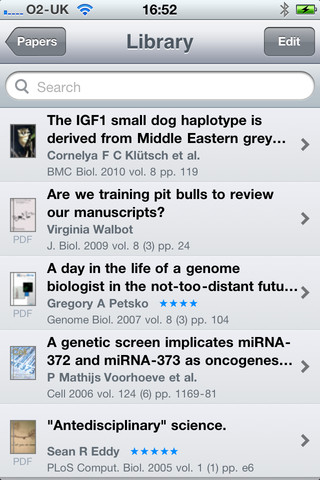
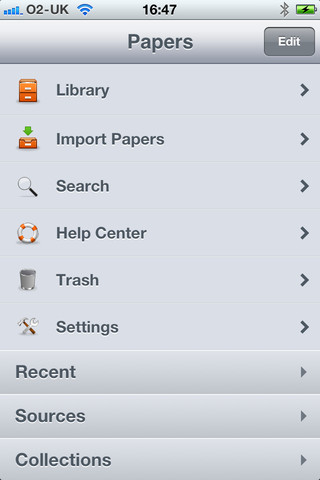
Papers is a way of reading and finding scientific journals when away from your PC. The fully featured PDF viewer allows you to jump between pages, follow hyperlinks, highlight text and create notes, but — more importantly — the app also includes 8 search engines — ACM, NASA-ADS, arXiv, Google Scholar, IEEE Xplore, JSTOR, Pubmed, and Web of Science — to help you find that crucial paper.
It syncs with Papers for Mac (Windows sync coming soon), allowing you to import your existing library, or you can import papers from Dropbox, iDisk, email, the web, or iTunes. If you’ve been using another PDF app to make notes and highlights, Papers will carry them over, too.
For: iOS · Price: $15.99
PLoS Reader #
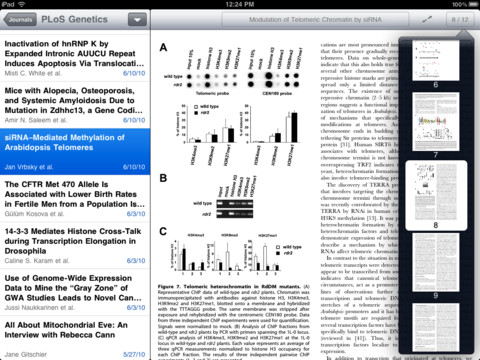
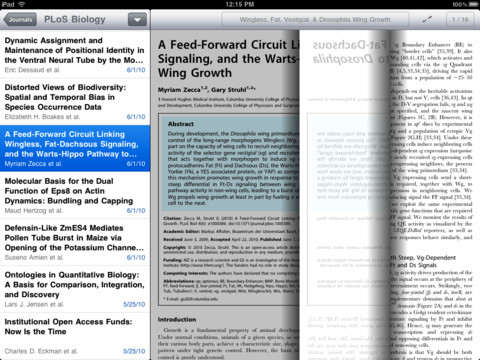
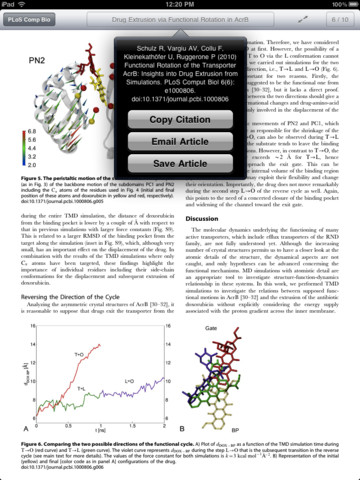
Not keen to drop $15 on a journal reader? Maybe you should try your hand at the free PLoS reader, which gives you access to papers published in the seven journals published by the Public Library of Science.
You can search the entire archive, save articles for later offline reading, and the app features full-screen reading, so you can curl up by your Bunsen burner and really immerse yourself in that paper.
For: iOS · Price: Free
3D Brain #
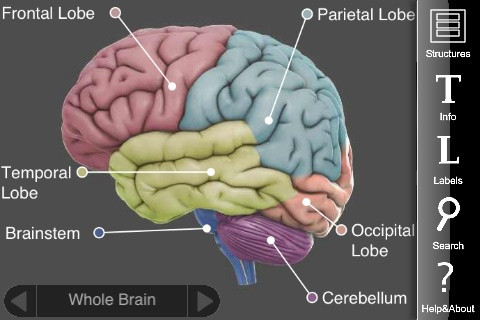
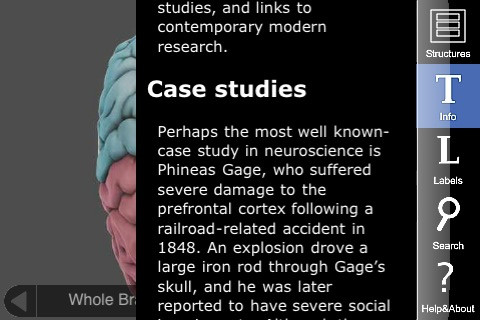
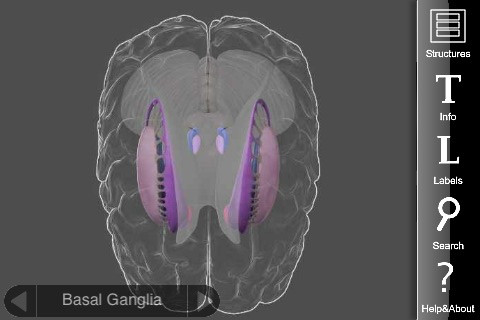
Learn all about the organ that does all the learning in 3D Brain. As you’d have probably guessed from the name, the app provides a 3D interactive model of the brain, along with 29 interactive structures, colour-coded for easy identification.
Discover how each brain region functions, what happens when it is injured, and how it is involved in mental illness. Each detailed structure comes with information on functions, disorders, brain damage, case studies, and links to modern research.
For: iOS · Price: Free
SPARKvue #
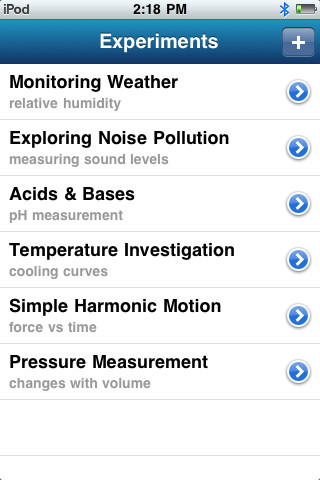
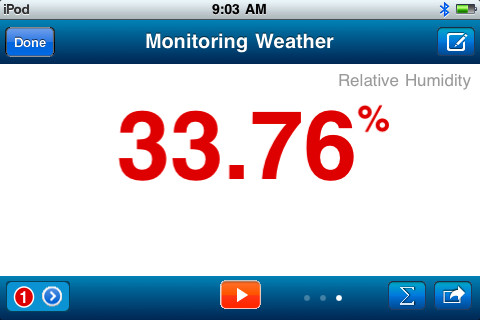
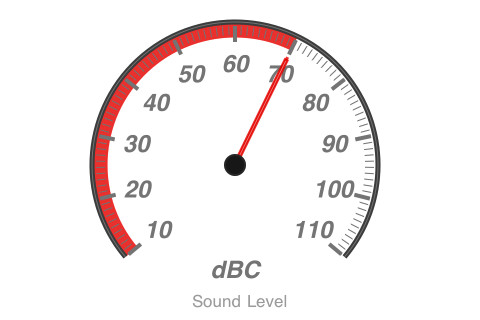
Science is all about measurements, so having access to accurate measurements while out-n-about means more science in more places.
SPARKvue works in-tandem with PASCO’s PASPORT AirLink 2 Bluetooth interface to connect to over 70 PASCO sensors, measuring a wide range of phenomena, including pH, temperature, force, carbon dioxide level, and many more.
You can display your data in a graph, analogue meter, or digital display, collecting up to 99 runs. You can also analyse the collected data with built-in statistics, or email it off for investigations elsewhere.
If you don’t have access to a PASC sensor, you can also record data from your device’s internal accelerometer, perfect for theme parks and (safe and legal) driving.
For: iOS · Price: Free
Visual Anatomy #
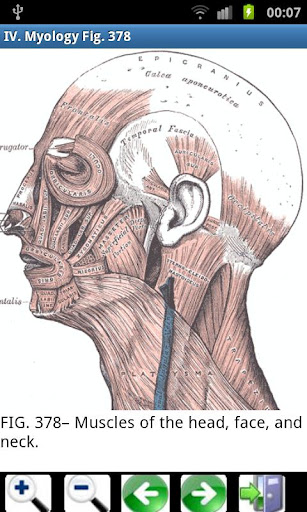
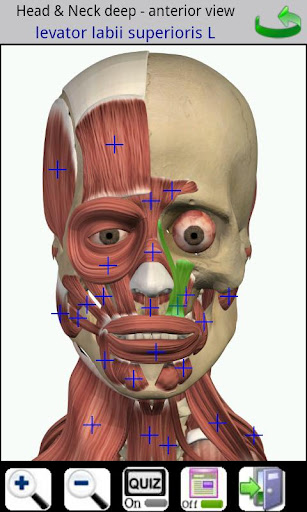
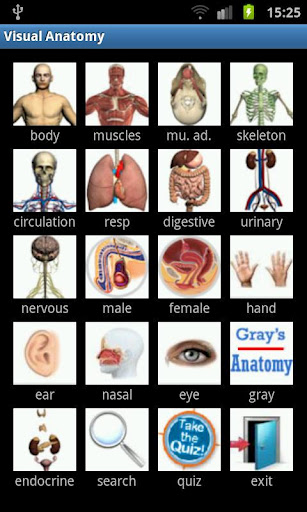
Visual Anatomy is an interactive anatomy textbook, complete with 81 high-res images, which contain more than 700 selectable feature points, accessible by zooming in on the area of interest. Most importantly, for anatomy students, is the additional download that includes all 1247 images from Gray’s Anatomy (the reference book, not the TV show).
Also helpful for students is the ‘quiz mode’, which… well, I’m sure you can figure out what it does. Finally, there is also a search option, helping you to find that elusive stapes.
For: iOS + Android · Price: $2.49
New Scientist #
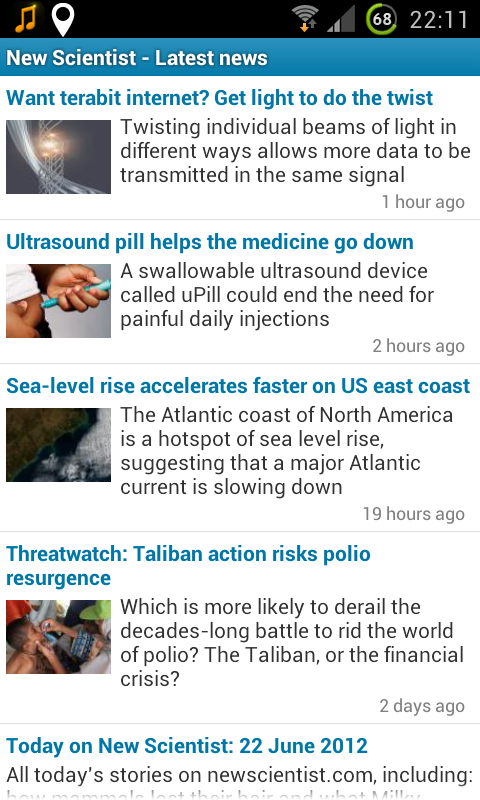

One of the world’s most respected popular science magazines is now available on Android. It’s a free app, but — just like on NewScientist.com — many of the articles are only available to non-subscribers for a limited time.
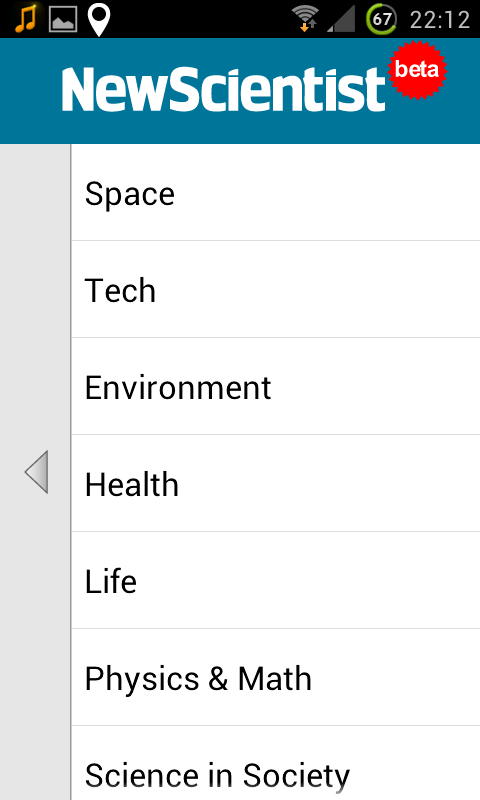
Still, it’s a great resource for the latest scientific news, especially as you can view stories by topic, or in the order that they are posted. The app is listed as ‘beta’, and, indeed, some stories still require you to jump into the browser to read, so, hopefully, this will improve in time.
For: Android · Price: Free
RealCalc Plus #
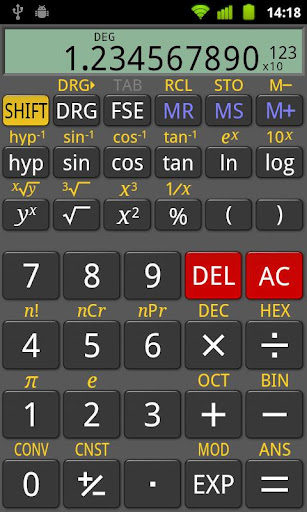
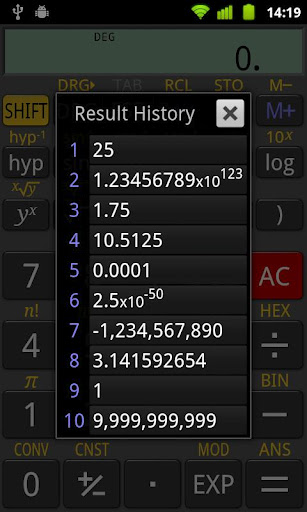
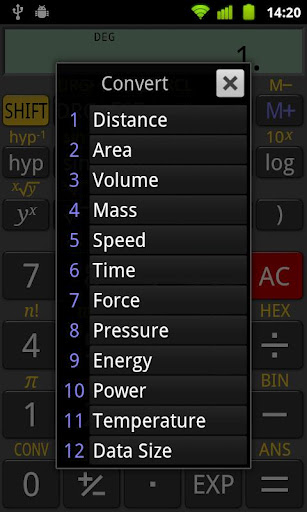
Real scientists know that standard calculators just don’t cut it. If you’re looking to solve serious maths problems, you need a scientific calculator.
Android’s most popular scientific calculator is RealCalc. It can do everything that your $50 scientific calculator can, and only costs a few dollars — in fact, if you don’t need fractions, degrees/minutes/seconds, or landscape mode, you can get away with using the free version.
My only gripe is that I don’t usually like interfaces that simply mimic another device — I mean, why stick to UI constraints that were born out of physical necessity? However, I suppose it makes the user immediately familiar, and saves them from having to learn a whole new tool.
For: Android · Price: $2.99