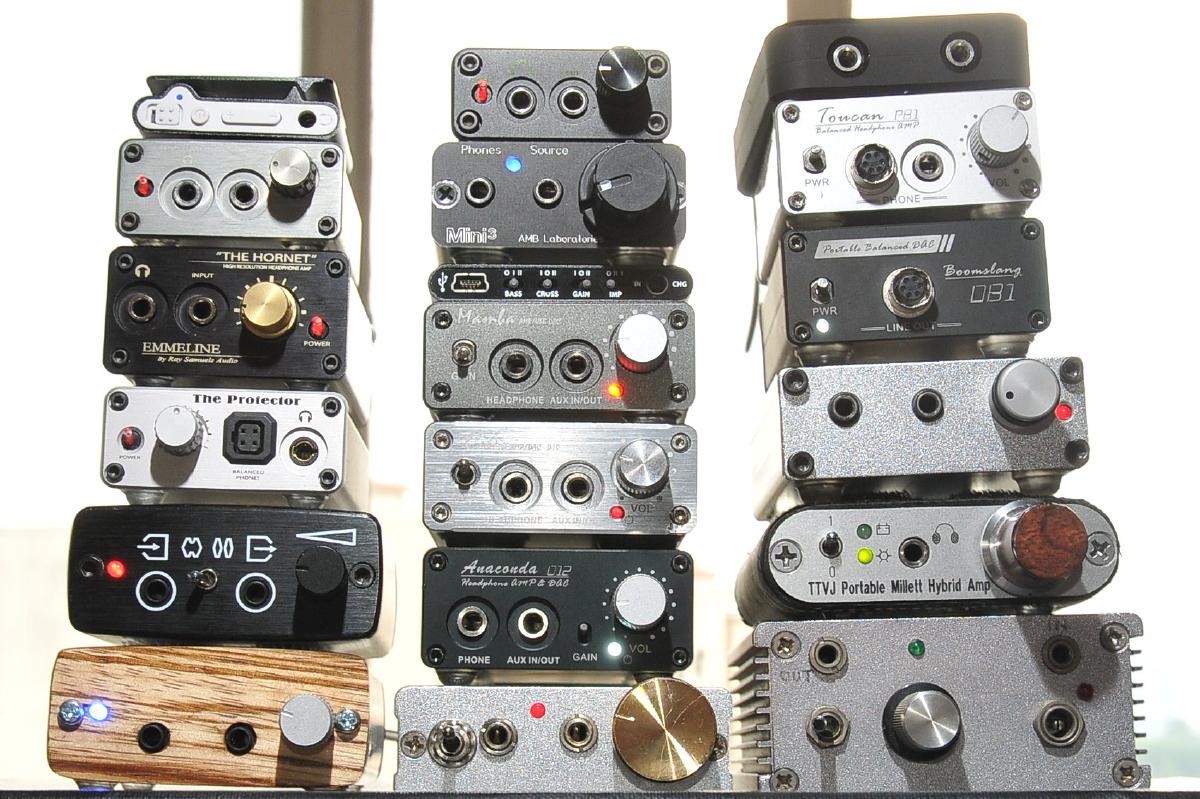


What the heck is a DAC, anyway? And why do I want one?
In truth, you already have several. A Digital to Analogue Converter is the little black box that takes a digital signal, and turns it onto an analogue one that can be played through your speakers or headphones. So, almost every single item you have that plays a sound – from your TV, to your (non-vintage) amp, to your phone, tablet, and laptop – even your doorbell – has a DAC built-in.
Cool, so why do I need another one? Y’see, like most consumer goods, not all DACs are created equal.
As the quality of an in-built DAC doesn’t make it into a product brochure, there is only a need for a manufacturer to create a product that’s ‘good enough’ rather than ‘good.’ Furthermore, with most sound sources these days being less-than hi-fi-grade equipment, such as laptops and smartphones, you can gain real benefit from taking the job of DA conversion away from your music source, and into the capable hands of a dedicated, external unit.
Even though the actual chips that do the DA conversion are really cheap – generally less than $10 – and pretty standard (although, there are a few favoured by the audio elite), how the signal is delivered to that chip, and how it is treated afterwards, makes a world of difference – in both sound quality, and cost. There are big differences between the components used, the circuit design, and the build quality of different DACs. As you’d expect from differences like this, there are also big differences in price.
Thankfully, however, you really don’t need to spend too much to get a DAC that will produce a cleaner, clearer, more enjoyable sound than the one pumping out of the line out of your laptop, smartphone, or other music source.
In fact, laptops and desktops have notoriously terrible headphone/line outs, as do many smartphones (but, not all). This is because there is a heck of a lot of switching componentry inside these devices, and that makes a lot of electrical noise. So, for computer applications, an external DAC will almost always offer a noticeable upgrade, if only because it won’t be affected by all that electrical noise.
You may be thinking that a USB DAC for a laptop seems to do the same job as an external soundcard, and, indeed, you are correct. USB soundcards contain DACs, but also offer extra features, such as inputs for recording, analogue volume control, headphone connections, 3D sound effect processors, and/or surround sound outputs for movies and gaming, or midi ports for music creation. So, if your primary source is a laptop or computer, you should consider if any of the features of an external soundcard will be of benefit to you, and purchase accordingly.
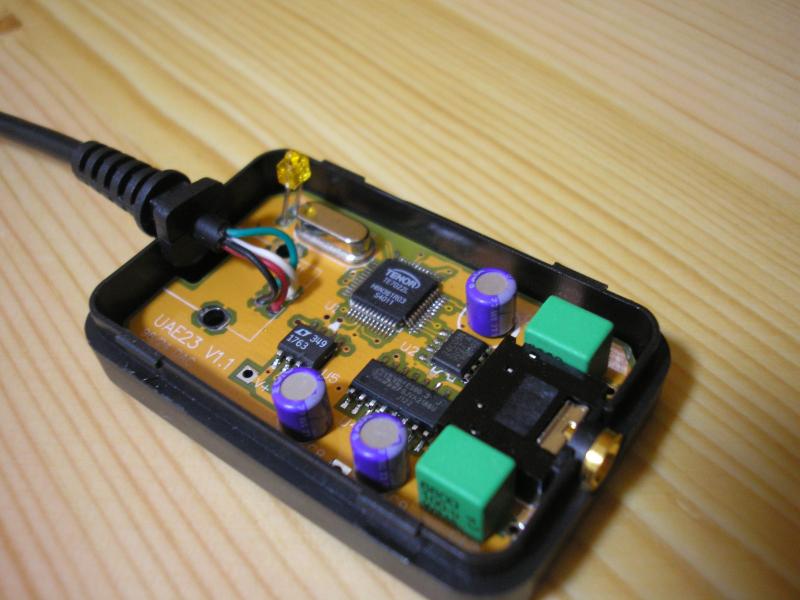
The cheapest best-value DACs on the market are usually USB-based, and are targeted to the PC/laptop market. Because they are isolated from the electrical noise generated by your laptop, they’ll provide you with a clean headphone or line out, with digital volume control. One such example is the hi-fimeDIY Sabre, which costs less than $50, and was designed by DIY enthusiasts to compete with DACs many times that price. I actually use the (<$70) hi-fimeDIY UAE3+ (confusingly, also known as a Sabre) with my iPad as a high-quality audio source connected to my bedroom hi-fi. I chose this one over the cheaper model as it includes an analogue potentiometer (aka volume control) to temper my amp’s tendency to shout (my 100w amp is complete overkill for a set of bookshelf speakers in an inner-city shoebox of a bedroom).
Another example of a great value USB DAC is the Fiio E10, which can be found for <$100. It includes a headphone amp and potentiometer to adjust the volume, but can also connect to your hi-fi via its line-out port. It’s tiny in size, so is great for throwing into your travel bag. However, it doesn’t have an internal battery, so can’t be used by your smartphone or tablet.
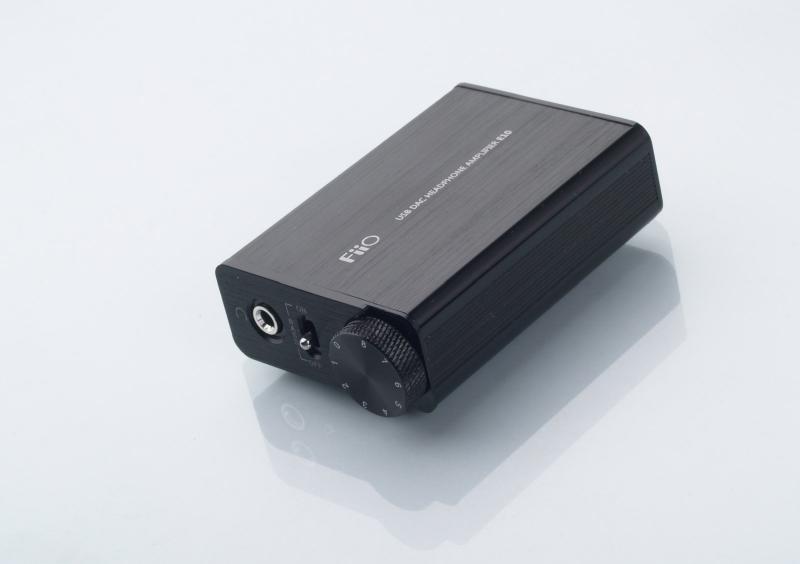
These USB DACs are almost a no-brainer, because they are just so very cheap – many people spend more on the cables hooking up their devices. The general consensus is that they are high-quality (and I agree), and offer a decent upgrade to your existing headphone or line out.
However, while I’ve never done a direct comparison, I can’t say that there was a shocking difference in quality from using my iPad’s line out – the biggest advantage for me was the potentiometer, and the vague, self-justifying knowledge that it was ‘better’.
If you have a noisy headphone out, like those on almost every laptop and PC, then they are definitely worth it. My crappy office PC has an annoyingly loud headphone out, which clicks, and buzzes, and chirps, and screams. To combat this, I purchased a headphone amp and DAC combo from iBasso (the D12 Anaconda). Getting rid of the annoying clicks and buzzes alone justified the price.
Further to this, when I compared the headphone stage from the Edirol MA-15D monitors (which contain an in-built DAC) that I use with my PC at home, to the one provided by the D12, there was a startling improvement in the soundstage, detail, and clarity of music. Note that differences like this are usually much easier to notice on headphones – I find it very hard to tell the difference between the Edirol and the iBasso DACs when using speakers.
So, while external DACs – from a technical perspective – do a better job of accurately reproducing a signal, you may not actually be able to hear the difference on your hi-fi – especially if you’re already using the digital inputs on a decent, recent amp/receiver.
There is no way to know how beneficial a DAC will be unless you test it yourself. It doesn’t matter if everyone in the world agrees that they improve the sound if you can’t hear the difference for yourself. The take-home message here is: if you already use decent-quality sources, you may not actually benefit from using a DAC at all.
So, I see DACs as being most beneficial in the following scenarios:
- Your music source is a laptop or PC, and you can hear the electrical noise in the headphone/line out (plug it in, turn your amp up, and, without playing music, do something that makes your computer think, like running a virus scan).
- For whatever reason, you’re looking to add some digital inputs to a vintage amp.
- You have many sources, but not enough inputs on your amp.
- You have upgraditus, and want a new toy to play with (I get this all the time).
So, depending on your usage, there will be some ‘must have’ features that you need to consider.
The first of which is input – there are three types of digital inputs available: coaxial, optical, and USB. Check what outputs are present on the source you want to connect the DAC to, and buy accordingly. In addition to computers, many USB DACs can also work with iPhones + iPads, and many newer Android devices, too (including the Samsung Galaxy S3 + S4, and the HTC One + One X). Not all DACs work with all devices, though, so check online before you lay down your dollars. A search on headfi.org or a quick email to the manufacturer may clear this up for you.
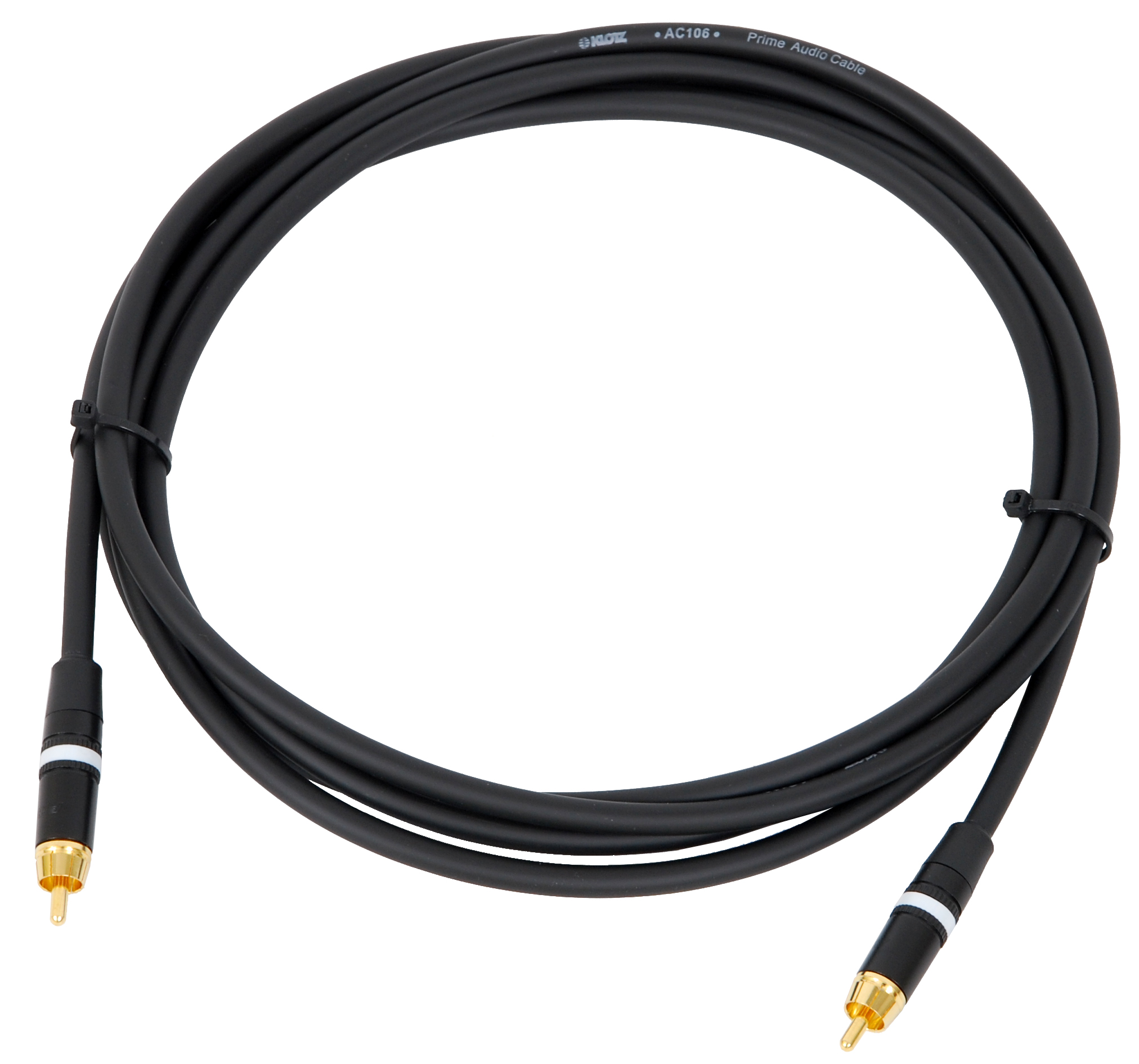
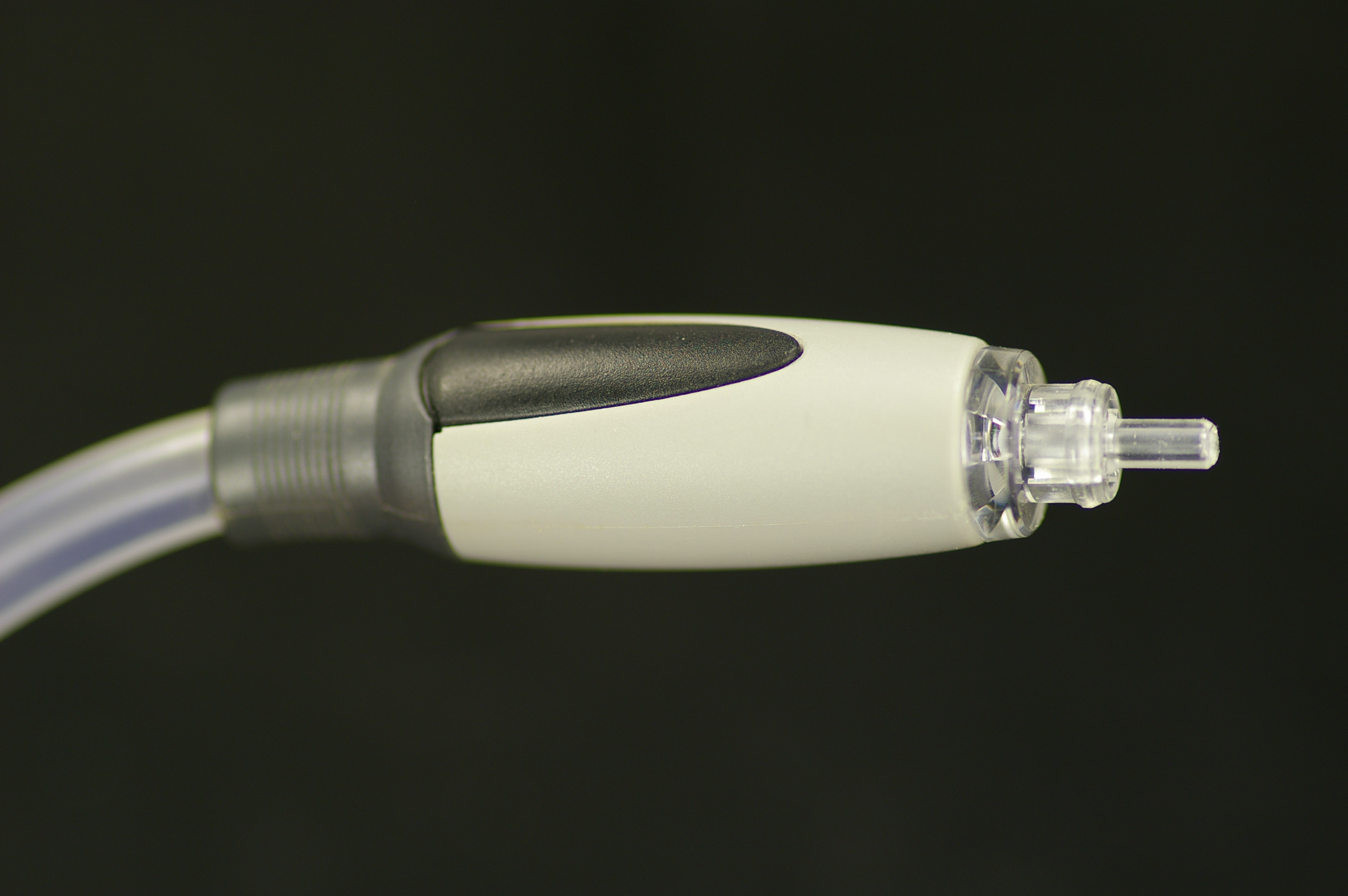
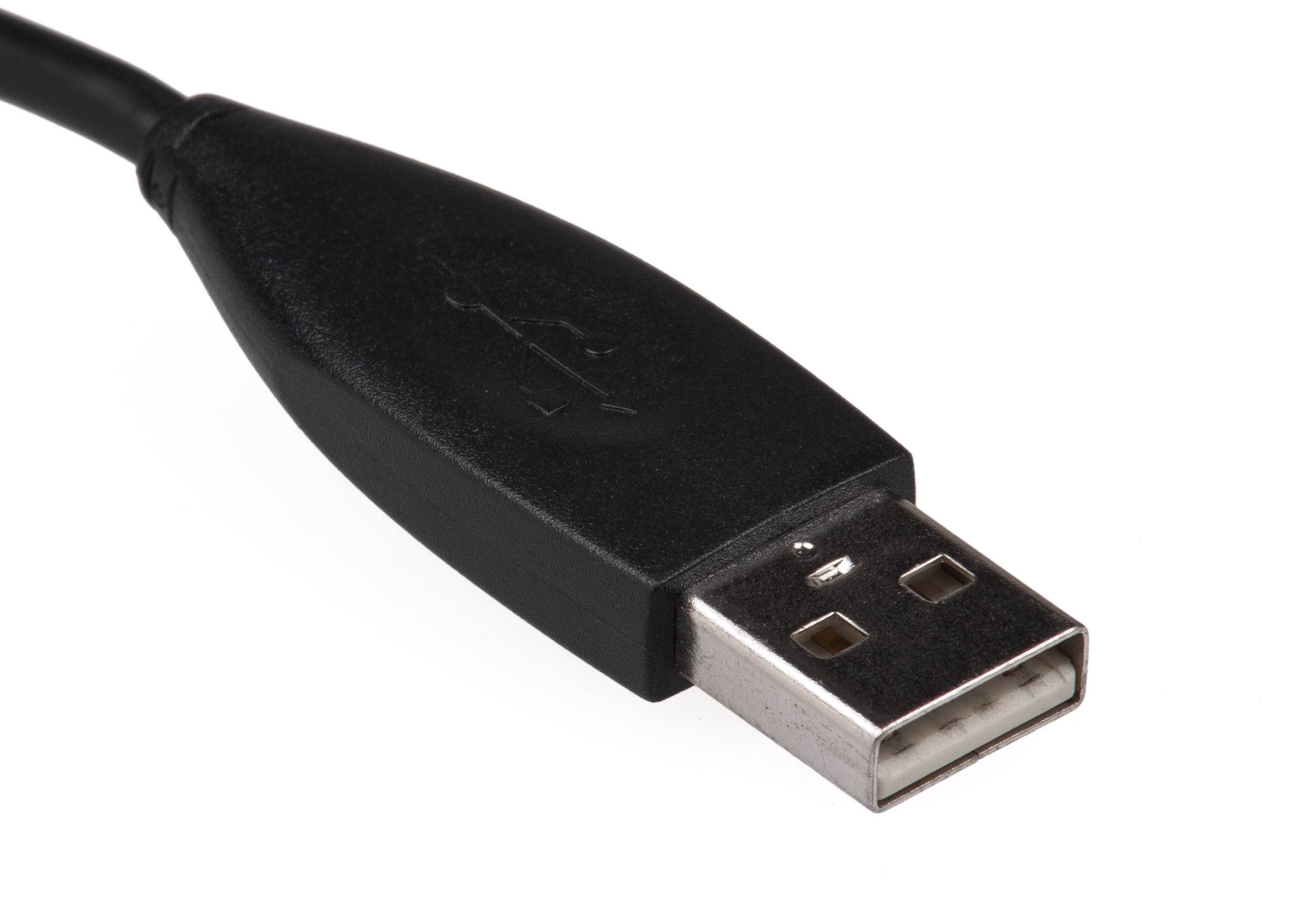
From left to right: a coaxial connector cable, an optical connector, and a USB A connector.
There are people that debate the sonic superiority of one type of these connectors over the other, but the truth of the matter is that all three are largely identical. Therefore, if you have a source with your choice of connection, just choose the one with the cheapest/currently available cable.
I aim to spend around $15-$25 on cables. Any less, and they can be shonkily made (poor joins at the connectors will affect your sound); any more, and you won’t gain anything beyond aesthetics. Always take claims that cables make a noticeable difference with an unhealthy dose of sodium – or, better yet, audition them in a double-blind test.
That’s another consideration if you plan on connecting it to your smartphone or tablet: will you be using it away from a power source? Smartphones and tablets usually don’t provide enough power over their USB ports to run a DAC, so any DAC hooked up to them will need either an AC adapter, or an internal battery.
You may have seen on many websites that audio purists – like PC DIY enthusiasts – have a love for good power supplies. There is merit here, as a good, strong, clean signal is required for a product to perform its best. However, you must also consider the difference in cost between a traditional ‘wall wart’ AC adaptor (less than $20 for a decent, generic one – stay away from the ones on eBay for a few dollars direct from China), and a big, badass linear power supply (generally well over $100). As power supply upgrades tread dangerously close to audiophile voodoo, my advice is to try it with a cheaper supply first, and leave it at that if you’re happy. Again, HiFimeDIY offer a well-priced, good quality power supply for their UAE23+ DAC, which could be a good start, as – at around $25 – it’s only marginally more expensive than a decent wall wart – and, even though it’s designed for the UAE2+, it may even power your DAC from another manufacturer.
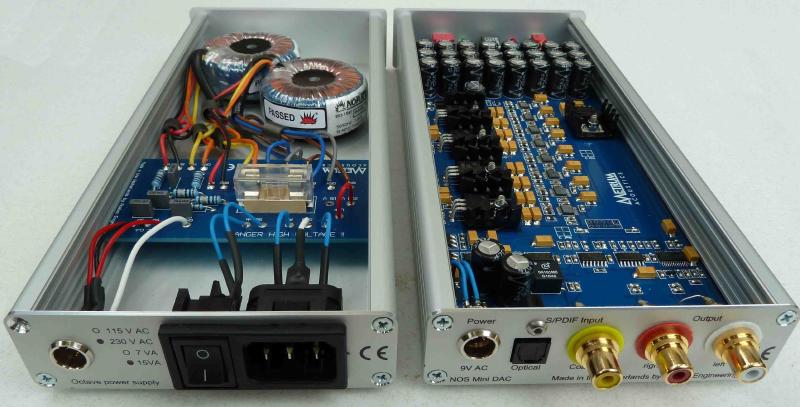
Often, entry-level DACs will only have a single input. This is usually fine if you’re just looking to improve the audio coming from your computer, but if you want to hook up a few extra devices to your hi-fi – or think that you might want to later on – it’s worth considering one with multiple inputs. This often means having to step up to the mid-range DACs (a few hundred dollars or more), however. Also, consider how the inputs are selected – will they automatically switch? Will you have to manually change the source on the DAC itself? Does it come with a remote? Is it compatible with your universal remote?
Also worth thinking about is if you’ll use it exclusively to feed your amplifier, or if you’ll want to listen to headphones, too. Some models, like my iBasso D12, also include a headphone amplifier, which can offer an improvement over the one built into your hi-fi amp. In fact, the D12 is quite a versatile model, with a USB, coaxial, and optical input, as well a line-in – to use it purely as a headphone amp – and a line-out – to use it purely as a DAC. Oh, and it’s battery powered, too, so you can use it on-the-go. For a good round-up on headphone amps, and if you’ll benefit from using one, visit nwavguy.blogspot.com.
Regular readers will recall last month’s tirade against 24 bit, 192 kHz ‘HD’ music files. If you were swayed by my arguments, then you can safely shy away from having to pay any extra for this superfluous feature (it’s no drama if you’ve fallen in love with a DAC that supports it, though). If, however, you’ve invested some good money in 24/192 audio, and believe that they sound superior, then you may want to drop the extra money on a DAC that also supports them. Of course, this would also require you to drop some extra cash on a set of speakers and an amp that can also reproduce the inaudible frequencies that HD audio files contain – as, unsurprisingly, most can’t.
An external DAC will theoretically do a better job at reproducing sound than those included in your music sources. However, the actual difference can be hard to perceive, and it’s therefore a little harder to justify purchasing a DAC in cases where the music source isn’t noticeably noisy.
The best rule in hi-fi – or, certainly, the most cost-effective – is that if you’re happy with your sound, stick with it. If you can’t hear any problems with your current setup, then a DAC probably isn’t worth the money. If you know that your system is lacking, you will probably see more of a benefit from upgrading to better speakers and a nice amp to drive them. DACs are one of the very last things you should upgrade, as the difference they make is usually very subtle, and only noticeable on quality equipment.
And, as each hi-fi setup is different, and each person hears the world differently, you may find that an external DAC brings you no benefit at all, even on good equipment. So, if possible, see if you can borrow and audition a friend’s DAC, and find out if you think the difference in quality is worth the price of entry.
A note on surround sound
I’ve sort of assumed that you’re only using this for stereo applications, but, if you’re looking for surround sound, external, surround sound DACs are very rare. Pretty much every 5.1/7.1 integrated amp out there has digital inputs for surround sound from Blu-ray or DVDs, so you’re usually best off just using those. However, if your surround source is your PC or laptop, and it doesn’t have a digital out, then perhaps a USB to S/PDIF adaptor, or even an external soundcard like those mentioned earlier, will be what you’re after.