

Make sense of the different music formats available
Buying digital music is fun, largely because of the near-instant gratification of being able to swiftly download that latest album and have it humming through your speakers faster than you could find a parking spot at the shops. But, while MP3s have been the de facto standard for well over a decade now, there is actually a host of other formats available, and many online retailers now offer a choice between them. One such example is my favourite independent music distributor, Bandcamp.

As you make your way from the checkout to the download section, you may notice a little dropdown menu just below the Download button. Pressing this opens up a potentially confusing menu, filled with bizarre words like FLAC, ALAC, and the ridiculous Ogg Vorbis. What the hell is going on here?
More than just MP3 #
MP3 serves most of us perfectly well, and a well-encoded, 320 kbps MP3 is actually indistinguishable from its original CD version. So, why do other formats even exist?
Each of these formats do the same thing: take a CD-quality sound file, and compress it so that it takes up less storage space. This was especially important in the early days of broadband, when to transfer a full 700MB CD was but a pipe dream. MP3 was the answer to this problem, as it was able to more intelligently analyse the sound signal, throw out the least impactful bits, and compress the remainder down to a fraction of its original size.
While MP3 became the norm for online file transfers, there are several competing formats, including: MP3’s superior – but less popular – replacement, AAC (like MP3, it’s also part of the MPEG standard); Microsoft’s embarrassing uncle of a format, WMA; the open source, Linux-lover’s preference, Ogg Vorbis (also superior to MP3); and many others.
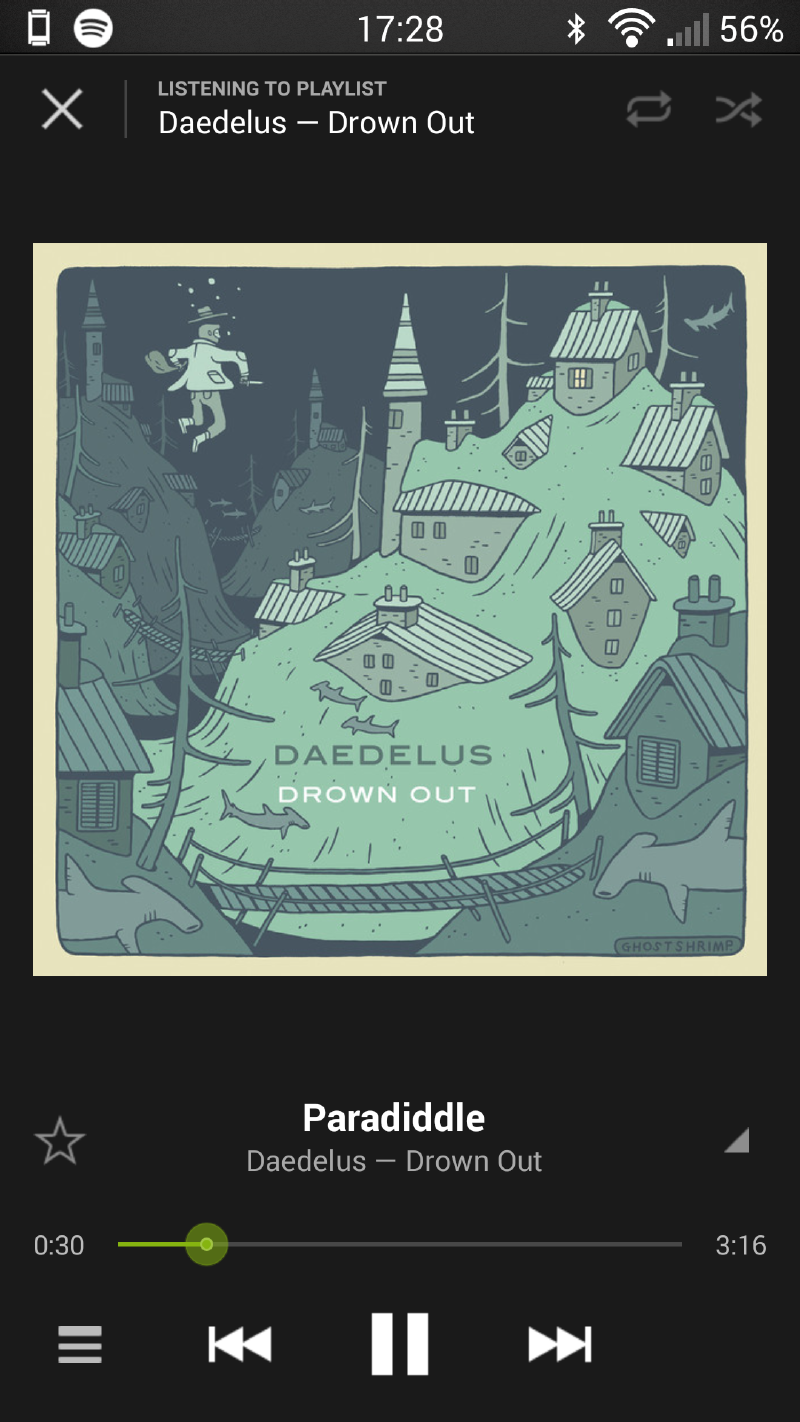
Each of these compression types can give you transparent (that is, indistinguishable from a CD) quality, but each of them achieve it at different file sizes. My pick is Ogg Vorbis for size vs quality, but MP3 is usually preferable, as most playback devices just don’t support Ogg Vorbis. On a side note, Spotify actually uses Ogg Vorbis to compress its music.
Each of the compression types mentioned so far are ’lossy’ – that is, they irreversibly change the sound signal from its original, uncompressed form. What I mean by this is that, if you were to take the audio signal from a CD, run it through an MP3 compressor, and then decompress it back to CD quality, the decompressed signal would look different from the original, uncompressed one. This is because the compression process actually permanently removes those parts of the signal that aren’t necessary for it to sound good to human ears. It’s a very neat trick, but it gives audiophiles the heebie jeebies - and places a few restrictions on the ability of the file to switch between formats.
Lossless compression #
There is, however, an alternative way to compress files that keeps the entirety of the original signal intact, but it takes up more than twice as much storage space as a lossy format. This is known as ’lossless’ compression.
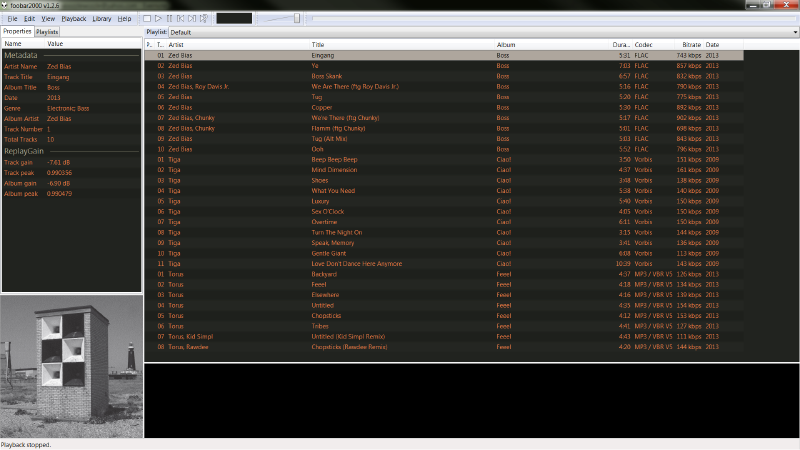
Like with the lossy formats, there are many different lossless file formats available, with the two most common being FLAC (which is open source), and ALAC (Apple’s once proprietary version, which was open-sourced in 2011). As these are lossless, there is actually no difference in sound quality between any of them, or the uncompressed source. The only differences between formats are: how small the resulting file is; what hardware and software can play it back; and what metadata (info about the music) it can hold. My preference is FLAC, but if you use iTunes, I’d recommend ALAC. If ALAC isn’t available, you can always convert a FLAC file to ALAC (or vice versa), with no loss of quality. You can even convert from a lossless to a lossy with no deterioration, but not the other way around (well, you could, but don’t expect it to do anything to improve the sound quality).
Converting between two lossy formats is absolutley not recommended, however. Say for instance you want to convert a lossy WMA to an MP3. When the WMA was first created, certain parts of the uncompressed signal were irretrievably discarded. If you then recompress it to MP3, even more parts are discarded, resulting in an MP3 file that is of lower quality than the original WMA.
This is what I was referring to above when I mentioned the restrictions inherent in lossy formats. It is, however, very rare that you will absolutely need to change the format of a file, especially if it’s an MP3, so, for most users, lossy is fine.
Variable bitrates: optimising compression #
There is one final point to note about lossy formats, however, and that is the bit rate at which it is encoded at. This is basically how much data is dedicated to the audio signal, measured in kilobits per second (kbps). It is common these days to ramp the value all the way up to its maximum, 320 kbps, so as to create the best quality file. While this does produce a file indistinguishable from CD (at least for us mortals without “golden ears” and sound systems worth more than most people’s cars), as far as storage efficiency is concerned, we can do much better.
Consider that each moment in music differs in complexity to every other (compare a quiet intro to a frenzied crescendo). This difference in musical complexity actually translates to a difference in compressibility. The more complex a piece is, the more data is required to represent it, and therefore the more space is required to store it. 320 kbps allows enough room for almost any level of complexity to be stored. This is overkill. Thankfully, there is a way for MP3 encoders to choose the smallest amount of information required to store each moment – this is known as ‘variable bitrate,’ and comes in various qualities. In MP3, the best quality is V0, and the most heavily compressed is V9, with transparency generally agreed to arrive around V5.
What does all this boil down to? #
Next time, as you click through from Bandcamp’s checkout to its download section, you will now understand a little more about just what those different formats really mean. MP3 V0 is VBR, and will give you just as good a quality as MP3 320, only take up less room. AAC is a technically superior, but slightly less-supported, improvement on MP3, while Ogg Vorbis is a great format hindered by the small number of devices that can play it. FLAC (my preferred format) is lossless, as is ALAC (but ALAC will play in iTunes), and either can be easily converted to any format you need.