


All you need to keep abreast of the latest happenings.
News360 #
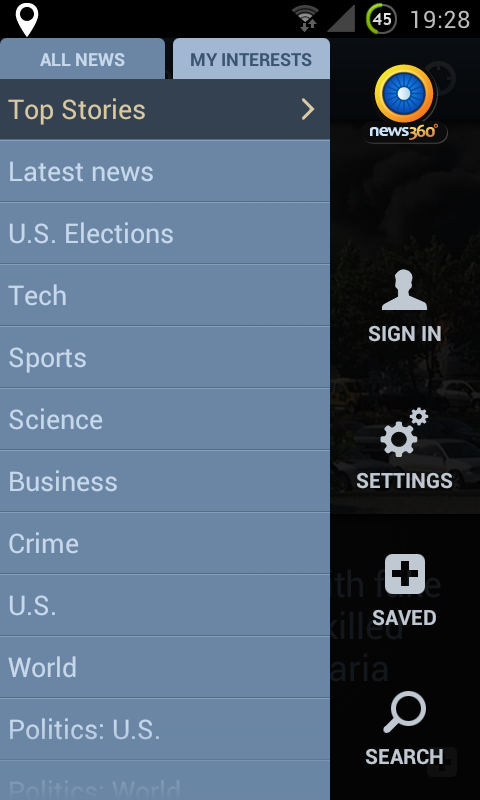

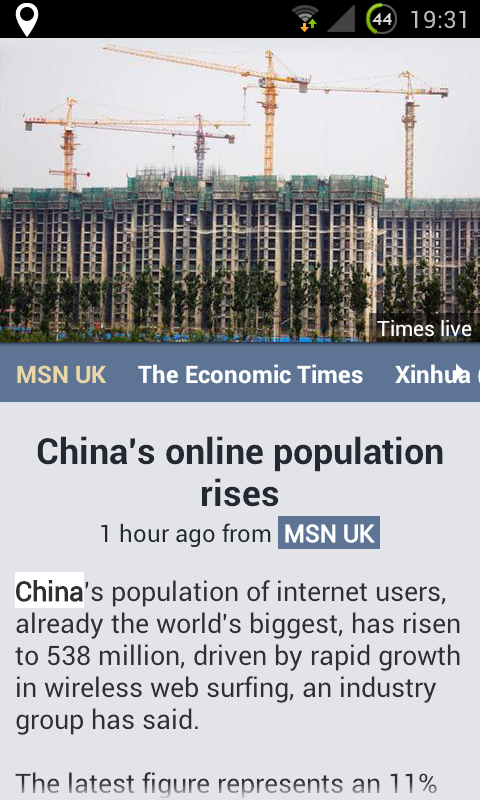
Rather than just subscribing to a slew of feeds and magazines, News360 looks at the content on your various social networks — including Facebook, Twitter, Google+, and even Evernote — and, based on the content there, finds the news that it thinks will interest you the most.
Additionally, when reading a story, you can click on important people, companies, and brands to find out a little more about them.
You can view local news by providing your location, or news relevant to an upcoming holiday destination by connecting it to TripIt. Or, if you know what topics you’re looking for, you can always browse the traditional way — by category.
For: iOS + Android + WP7 + Playbook · Price: Free
Pulse News #
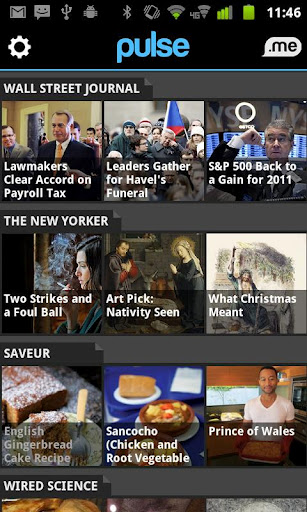

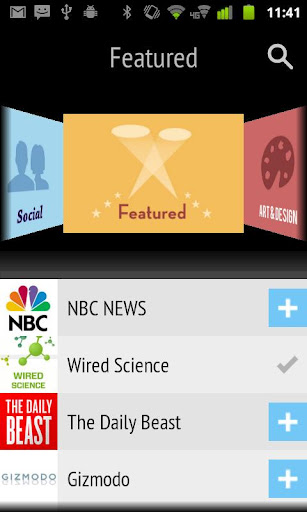
Pulse is a news aggregation app that displays all the news stories across a multitude of feeds — including your Facebook stream, Google Reader subscriptions, or any of the pre-installed news sources. There are also a heap of ‘Pulse Packs’ available, that will dedicate a whole page to the best news sources in a selected category, including tech, news & analysis, entertainment, sports, business, fun, and more.
For those extra-long articles, the Pulse.me service (free signup required) allows ‘starred’ articles to automatically appear in Instapaper, Read it Later, Evernote, or to the pulse.me site for later reading from any web browser.
For: iOS + Android · Price: Free
Flipboard #
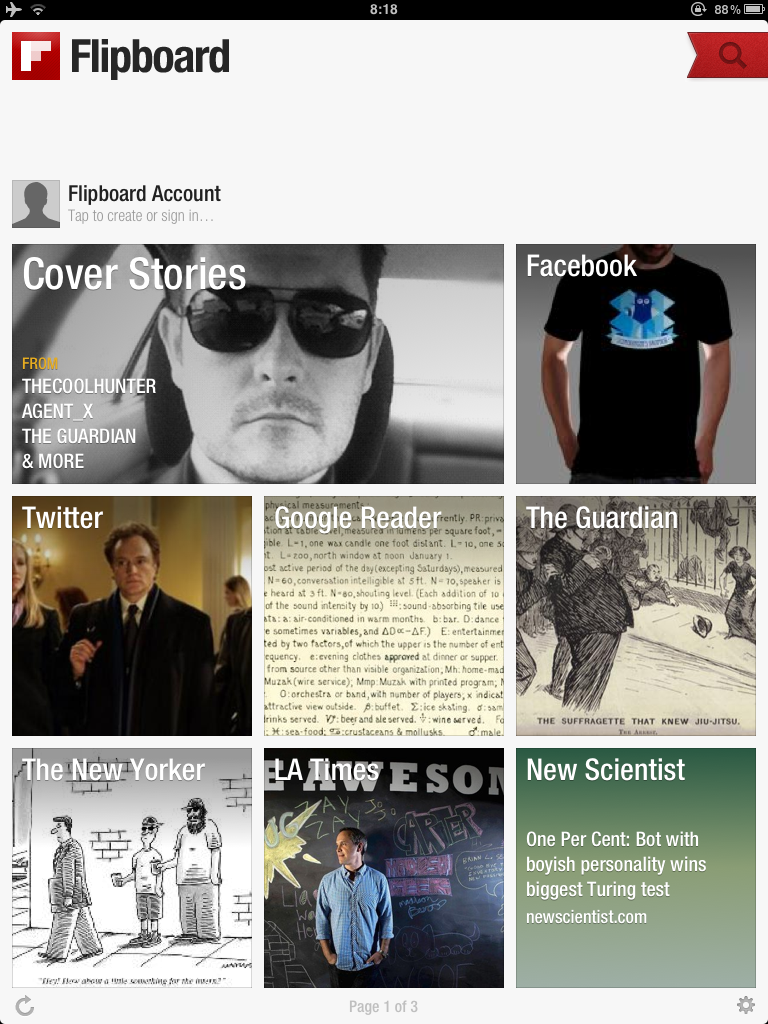
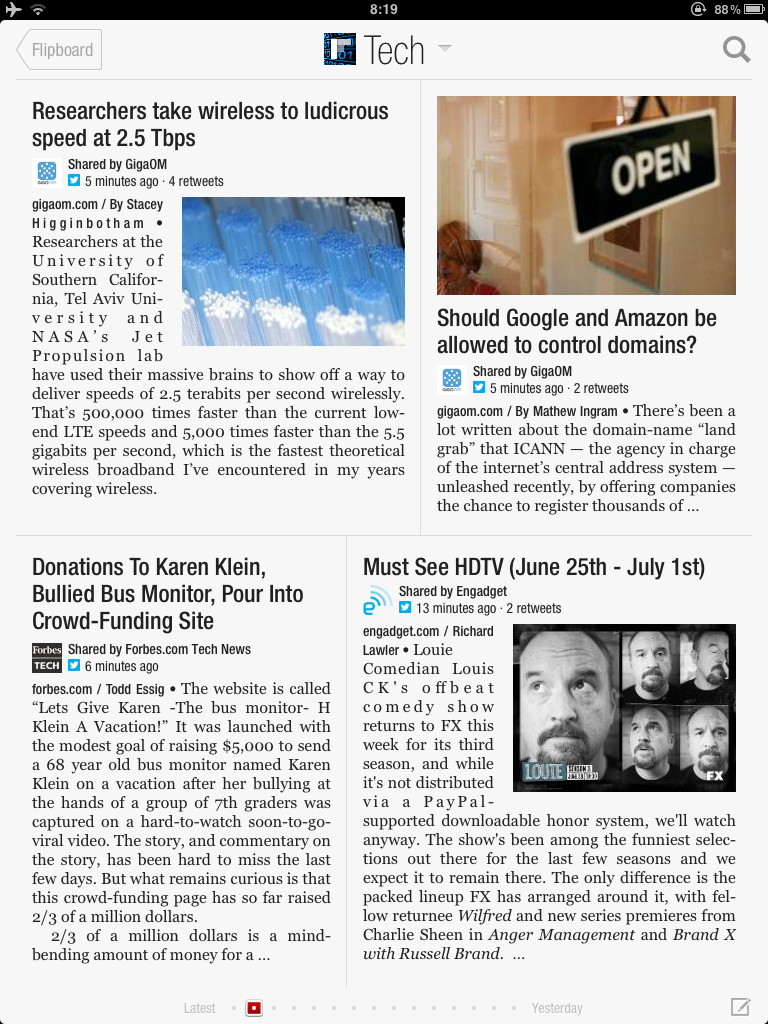
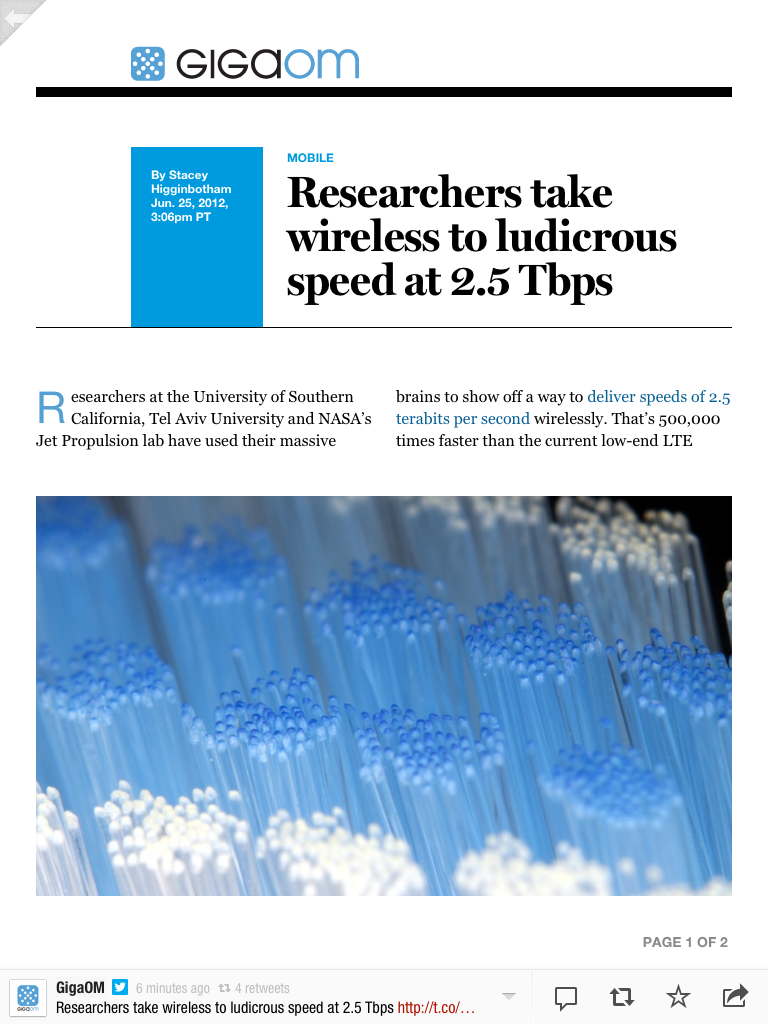
The app that made me get my iPad, Flipboard takes all your social feeds — that is, the links that your friends have posted to their walls/feeds — as well as feeds from your favourite blogs and magazines, and brings them together into a very attractive magazine-like package.
Originally, Flipboard was only for the iPad, but, this year, they unleashed it on the iPhone, and, while the experience is less magazine-like on the smaller screen, the product is still just as compelling.
On top of browsing, you can save articles to Instapaper, Pocket, or Readability, as well as share them out to Facebook, Twitter, or email.
For: iOS · Price: Free
Google Currents #
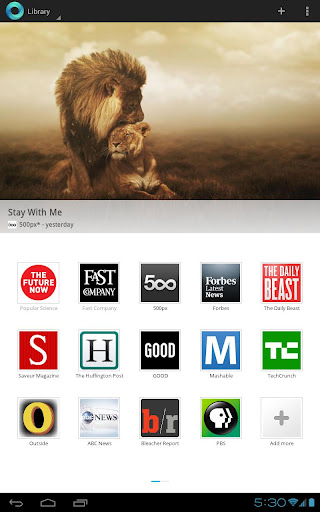

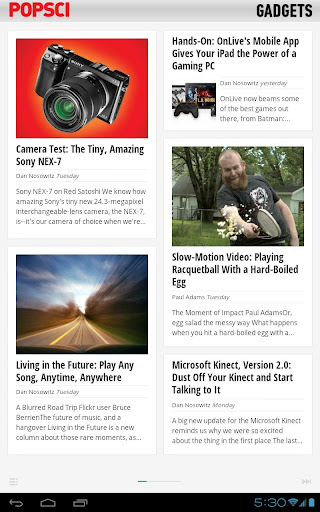
Google’s take on the magazine-like experience, Google Current could be considered a Flipboard for Android (and yes, iOS, too). It doesn’t bring in your Facebook and Twitter feeds, but you can import any RSS feed you wish, so it’s not difficult to bring them in.
It has two ’editions’ within the app: published editions, which are feeds from reputable blogs and magazines; and trending editions, which are the top trending articles for any of a number of categories, powered by Google News.
Added features include the offline reading of content (great for flights), and syncing of your subscribed editions across your devices.
For: iOS + Android · Price: Free
The Early Edition 2 #
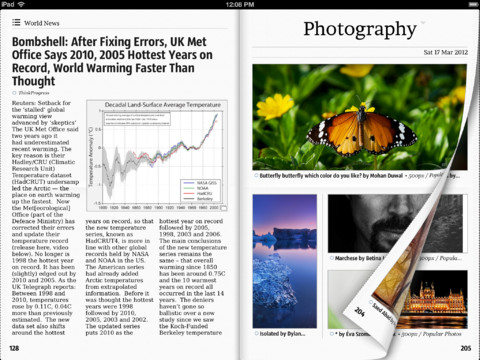
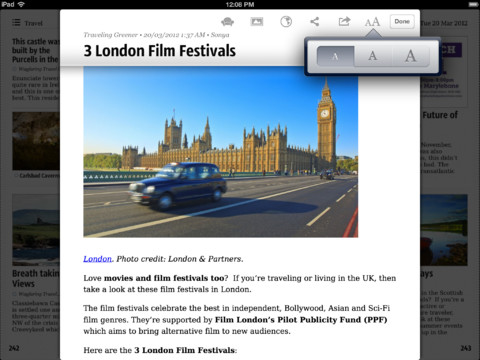
If you’re the type to settle down to a nice cup o’ joe and the morning paper, but are craving some more dynamic content, The Early Edition 2 is the paper-emulator app that you’ve been dreaming of since you saw them do such a thing in Space 1999 (only with less breakfast pills).
There are seemingly no shortage of rss-based reformatted news readers — as you can tell from the previous 3 reviews — but The Early Edition 2 is noteworthy for its olde worlde newspaper feel.
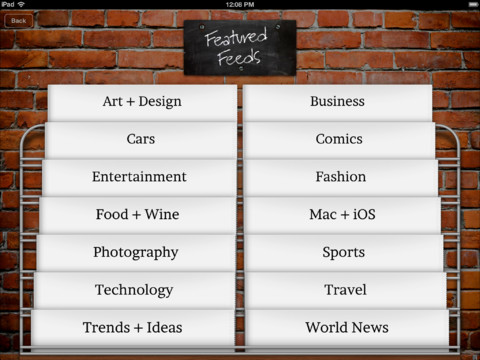
To save you importing all your favourite RSS feeds, you can browse by category, or import your feeds from a Google Reader account.
For: iPad · Price: $5.49
Google Reader #
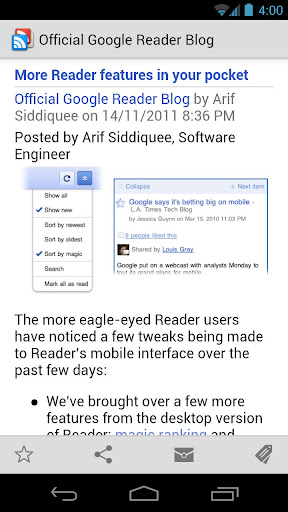
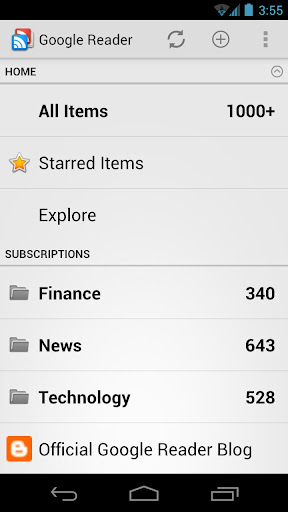
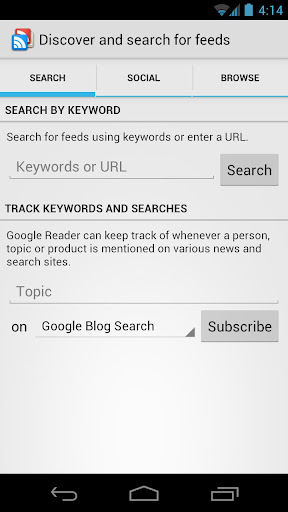
Sick of all this fancy shmansy magazine-inspired reformatting of content? If you want a bare-bones, yet still functional and attractive RSS reader, why not go straight to the source of all your RSS subscribey delight? Chances are that you already have a Google Reader account, and chances are that it’s already filled with your favourite content, anyway.
What’s neat about using this app, is that it gives you a simple way to search for, and subscribe to, new feeds within your Google Reader account. Handy when you stumble across a decent blog while on your handset.
For: Android · Price: Free
Reeder #
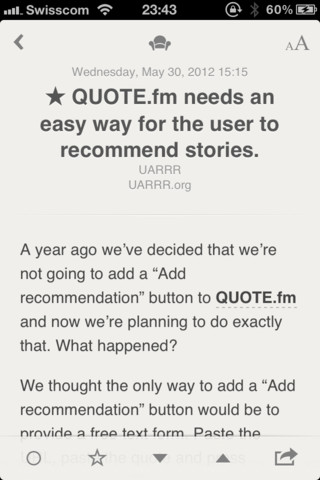
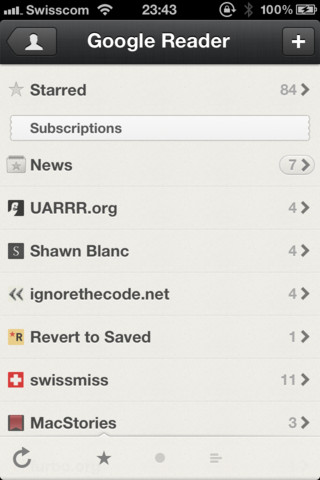
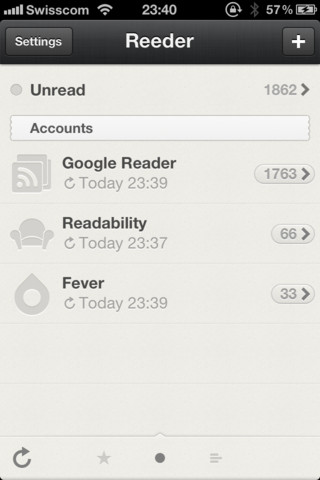
iOS users looking for the bare-bones RSS reader that droid-heads enjoy with Google Reader should turn their attention to Reeder.
Reeder can sync with multiple Google Reader, Fever, or Readability accounts (although, it won’t work without one of these accounts), and can share out interesting articles, sites, links, text selections, and images to a laundry-list of services.
The strength of the app is in its gorgeous user interface — an understated, minimal paper feel — which includes gestures to move between articles, mark as unread, star, move back to the article list, and zoom-in on images.
For: iOS · Price: $2.99
SBS World News Australia #
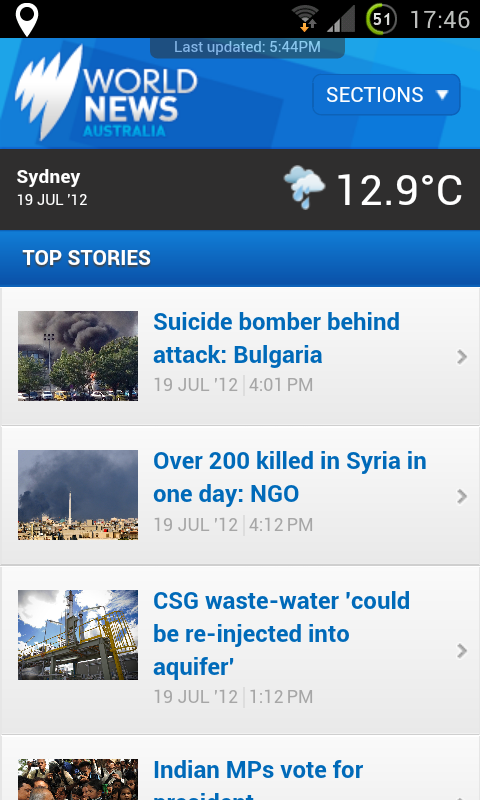
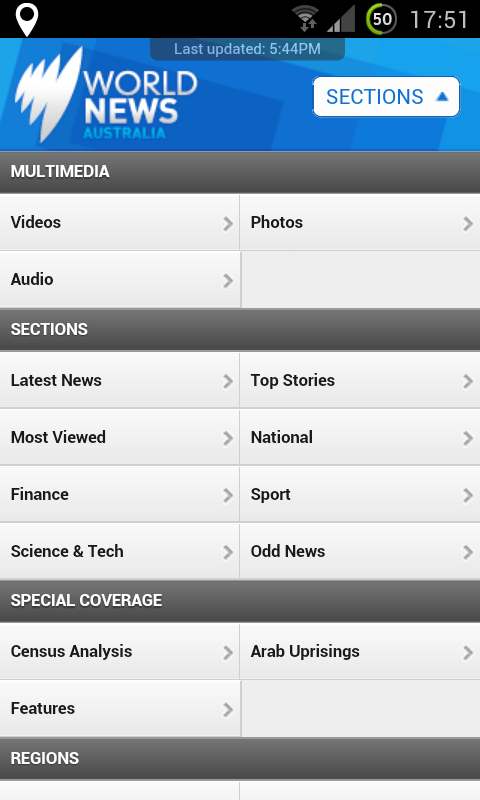
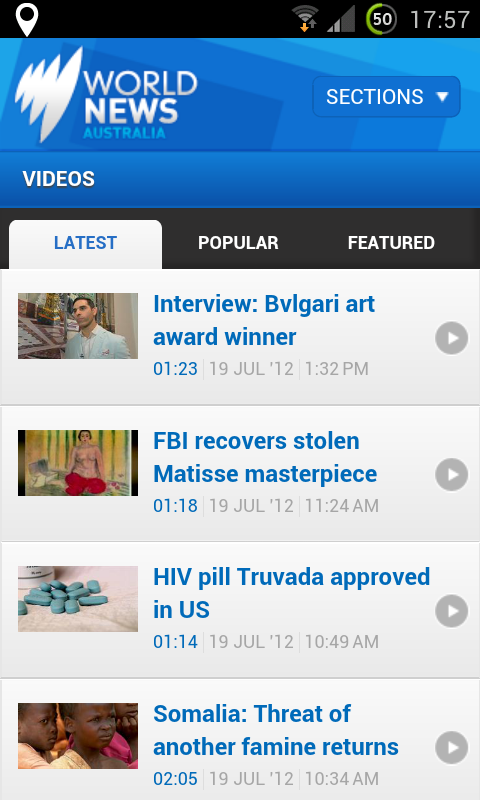
There are few news agencies in Australia that I really trust, but SBS is one. The Special Broadcasting Service provides a sane voice in an otherwise tainted landscape, providing important news from around the world, rather than the latest in mindless celebrity gossip. If you want world news with an Australian perspective, you need this app.
The app provides articles, as well as video and audio reports, and can be navigated by topic, as well as country.
For: iOS + Android · Price: Free
Australian Broadcasting Corporation #
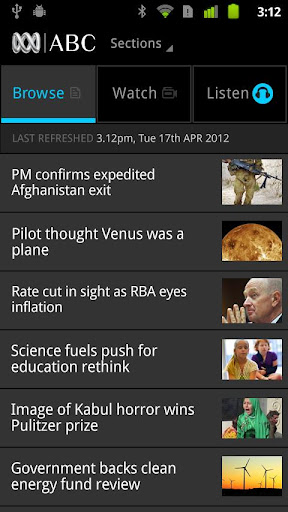
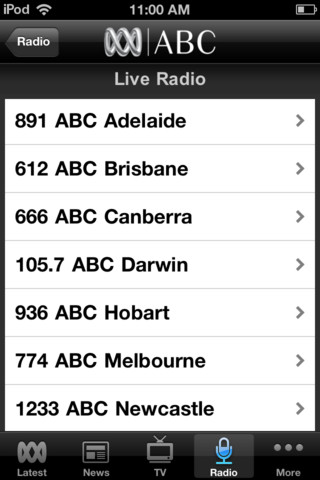

ABC is the other Australian news agency that I trust. This app provides you with on-the-go access to ABC News 24, any of the many national ABC radio stations and podcasts, and the latest stories from the news desk and beyond.
You can browse for the latest news, or for stories by category, or just tune into your preferred radio station and let the DJ do all the work.
For: iOS + Android · Price: Free
Twitter #
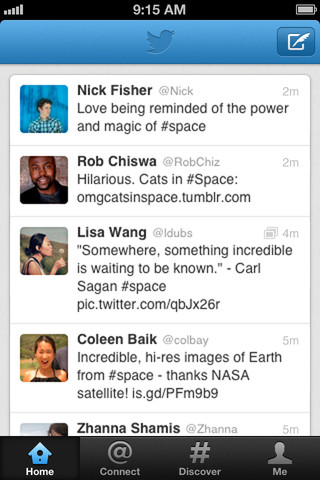
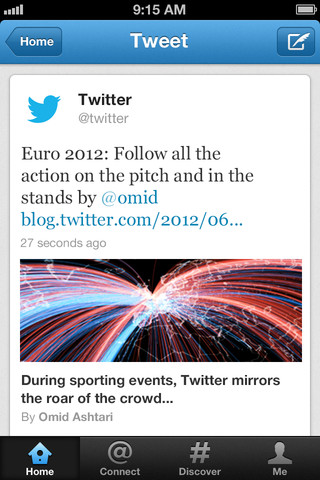
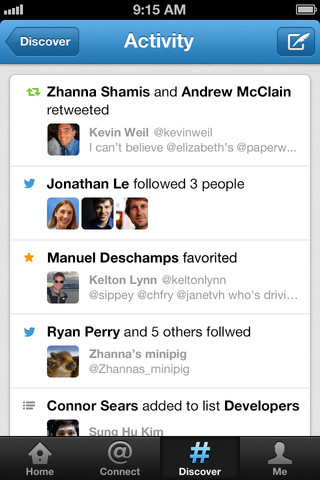
The final entry in this guide is not from a fancy, frilly, make-your-news-look-sexy app, but from the arguable premier citizen news tool; Twitter.
Twitter has played a crucial role in breaking some of the most important news stories of the last few years, as — through some clever searching — you can find a constant stream of information from people reporting on the ground, as it’s happening.
So, the next time an #ArabSpring occurs, be sure to open up your preferred Twitter app, and subscribe to an appropriate hashtag — you’ll find out some amazing things, usually before the news agencies can report on them.
For: iOS + Android + WP7 + BBOS · Price: Free and up