


Sometimes you just need a little digital someone to help you in life
SpeakToIt Assistant #

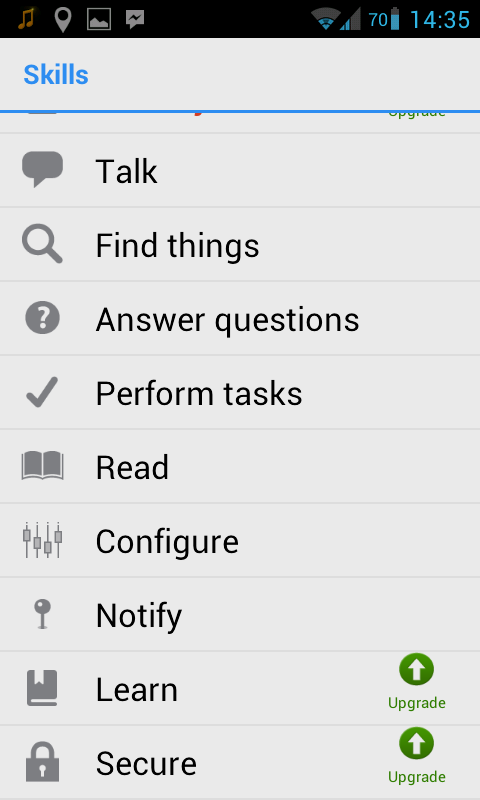
This multi-platform speak-to-instruct assistant is the alternative to Siri that many Android and Windows Phone users crave, and that iOS users may also appreciate.
Android users can ask their assistant a question by clicking on her avatar Widget, or else opening the app and clicking the mic button. Like Siri, the app uses natural speech commands, so just tell her what you want done, and she’ll do her best (from her list of available actions).
The central interface is an avatar, but if you don’t like her, you can customise her everything (including gender), turn her into a microphone, or draw your own.
Info// For: Android, iOS, Windows Phone
Price: Free (premium upgrade available)
EVA #
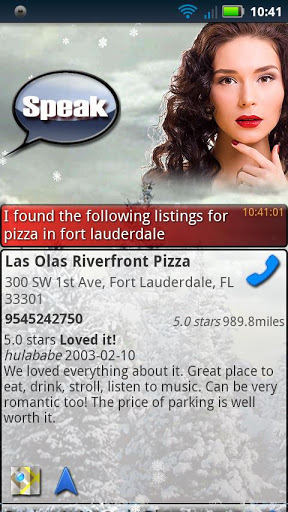

Of course, having to push a button before asking your phone to do something is so 20th century, so the always-on functionality of EVA will appeal to many Android users. To have EVA respond to your commands, you just need to utter a wake up phrase, and then tell her to do your task. To conserve battery, however, she’ll only be able to respond for a set amount of time after your screen turns off.
My biggest complaint (above even the $9.99 price tag) is her permanent, slightly sultry, slightly shocked expression. Please just give me an animated avatar.
Info// For: Android
Price: $9.99
AirTasker #
The real pros get things done through the utterance of a magic word. While my mother always said this was ‘please’, it turns out that it’s actually ‘delegate.’
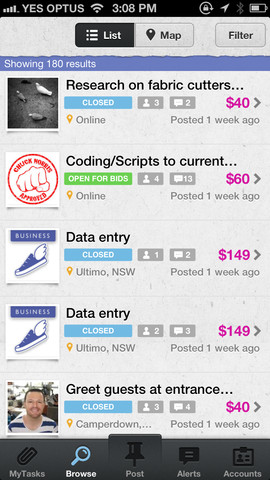
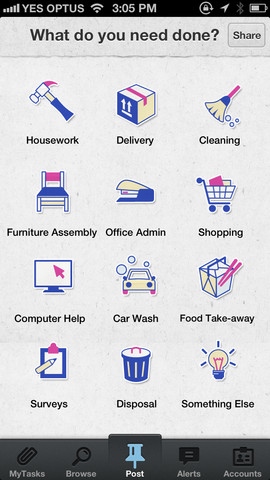
AirTasker is a website that allows you to find people that are willing to do a trivial task for you in return for cash. From building an Ikea bookcase, to having your clothes washed, it’s a great way to get things done – or on the flipside, earn an easy bit of coin.
The app allows you to post tasks, receive alerts of any nearby, respond to messages and bids, update your profile, and more.
Info// For: iOS, Android
Price: Free
CardMunch #

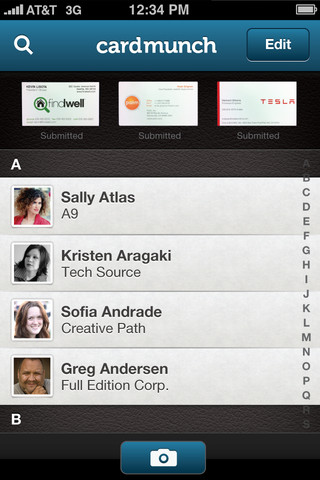
That business cards exist in this digital world is, let’s say, quaint. I know that, after every conference I attend, I come home with pockets filled with them, which then need to be entered into my contacts, only to live out the rest of their days slowly decaying in landfill.
So, while the landfill problem will take more of a cultural shift to change, the data entry problem is solvable right now. Cardmunch differs from other text recognition apps, in that the business cards aren’t read by machines, but by real people – so there are no errors. You’re even given their LinkedIn profile.
Info// For: iOS
Price: Free (must be a member of LinkedIn)
BillMinder #
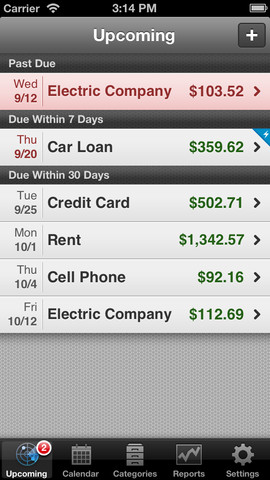
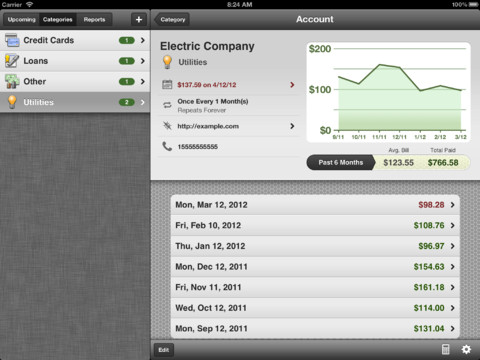
BillMinder is a handy place to store all your upcoming bill information, helping you to avoid late fees. If you’re in an iOS household, you can even sync the bill data via the cloud, so that all members are aware of any upcoming payments.
If you’re the kinda person that can get down with a good chart or two, you’ll be pleased to hear that you can chart the amount of money you’ve been spending on bills, and export them to PDF or print them via AirPrint, so you can proudly display your improving frugality for the world to see.
Info// For: iOS
Price: Free
Bento #
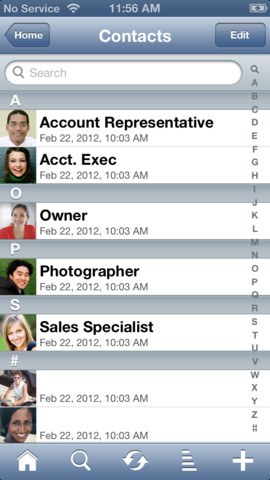
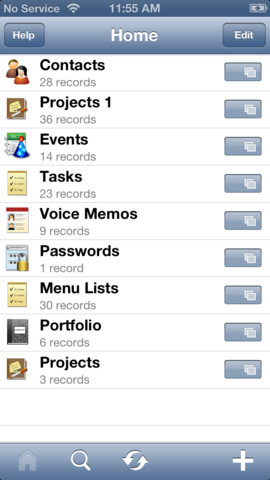
The truly hardcore life organisers in the world often have personal databases that store any information relevant to their life, such as contacts, passwords, tasks, current projects etc. If you aspire to have one of these, Bento is possibly the most convenient option.
Partnered with a Mac app, Bento is a handy way to access all this information while on the go. Bento databases support a variety of data types, so you can store text, numbers, dates, times, durations, locations, pictures, sounds, video clips, voice memos, pop-up choices, check boxes, prices, rates, addresses, phone numbers, ratings, web sites, email addresses, instant messaging accounts, and more. Phew.
Info// For: iOS
Price: $5.49
Evernote #
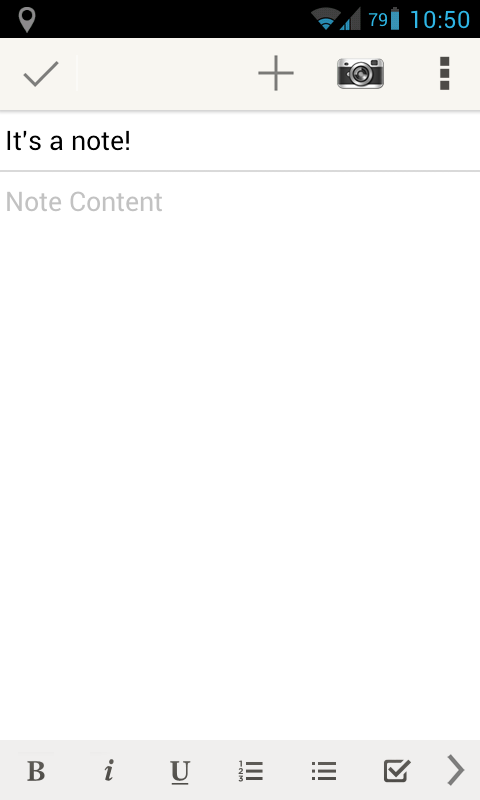
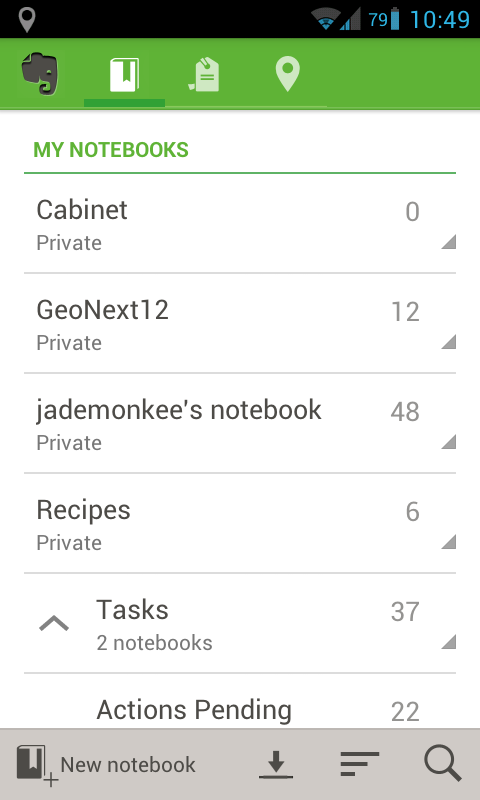
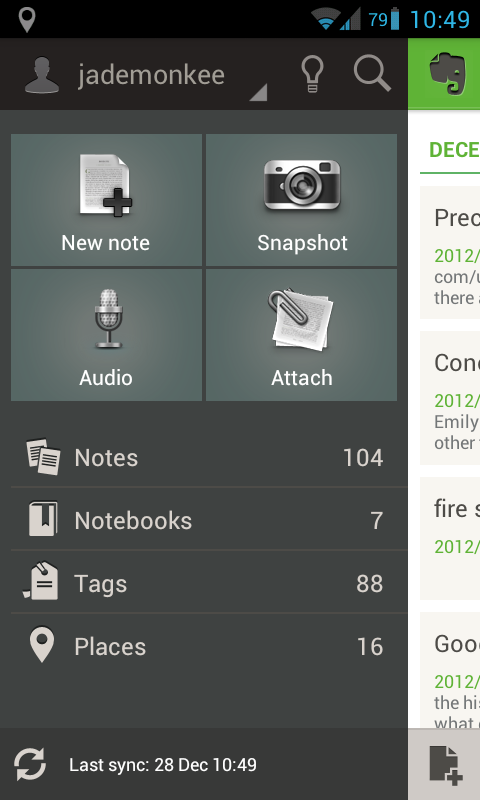
Of course, the world’s favourite note-taking, snippet-sorting, memory-managing app has to get a mention in this list. Evernote has become the gold standard for cloud-based note taking, with apps for just about every platform (including Windows and Mac), meaning you’re able to retrieve, edit, and create notes no matter what device you’re in front of. You can even take a photo of text, and its contents will be searchable.
There are countless uses for Evernote, from collecting recipes to a full-fledged task management workflow (visit the suspiciously titled thesecretweapon.org for info). Tens of thousands of users out there swear by it – myself included.
Info// For: iOS, Android, Windows Phone, BlackBerry
Price: Free (premium features available)
LastPass #
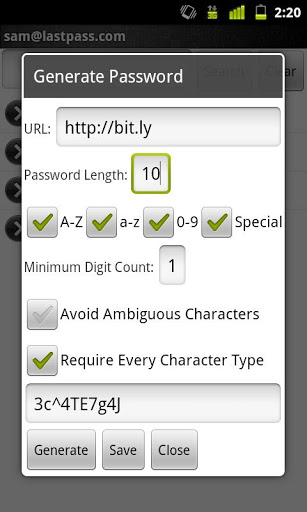
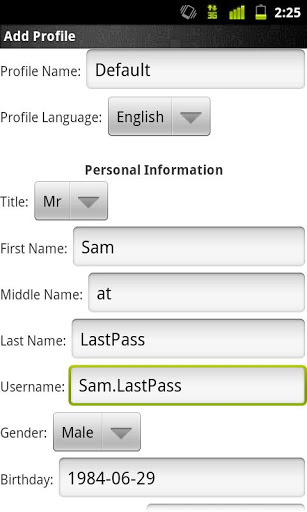
If security is important to you, then you really should have different, strong passwords for each site that you use. Doing so, however, requires the use of an app or secure database in which to store them all. LastPass is my preference for these apps, as it runs on just about every platform, is cheap and it integrates well with many mobile browsers (although, not yet Safari).
The app allows you to create strong passwords, alerts you to weak ones, and works in-tandem with the desktop app. You need the premium account for mobile, but at $1 a month, it’s no real burden.
Info// For: iOS, Android, Windows Phone, BlackBerry, Symbian et al.
Price: $1 per month
Remember the Milk #
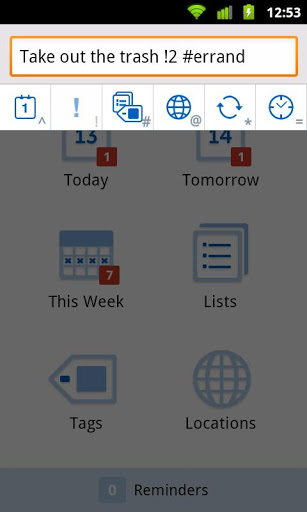
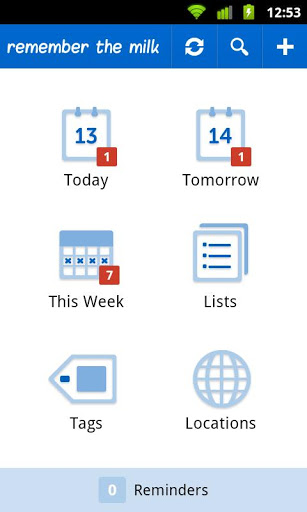
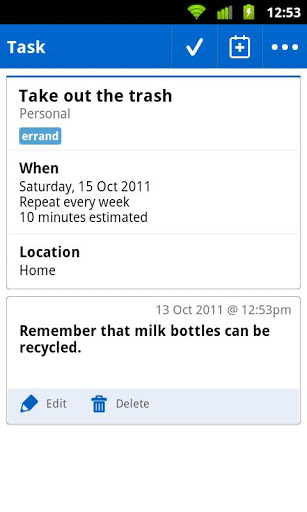
Remember the Milk is one of the most popular To Do apps around, as it works across the web and mobile, and even integrates with Siri on iOS.
Reminders can be set in the app, or sent to you via email or IM. You can even access your tasks through RSS, Google Calendar/GMail, or Outlook, and can create them using email or Twitter.
And, as a nice bonus, tasks can be shared with other users, which can be handy when you need to passive-aggressively remind your housemate that it’s their time to clean the bathroom.
Info// For: iOS, Android, BlackBerry
Price: Free (premium features available)
VIP Black #

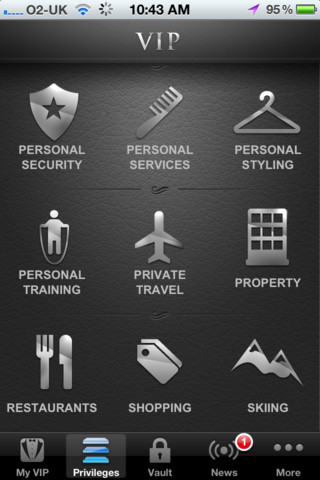
Do you require an app a little closer to a personal butler? Is money no object to you? Perhaps VIP Black can help you out. For $999.99 – and after you’ve proven to them that you really are a millionaire – iVIP will tailor an app to suit your lifestyle, which will bring with it VIP status at their partner venues, including the best restaurants, resorts, in places that only millionaires know of.
If you’re not a millionaire, but crave a little special attention, VIP Blue (at $149.99) excludes some of the better features, or VIP Red (free) is there for you to taste how the one percent live.
Info// For: very rich iOS users
Price: $999.99 yearly